Connect Crazy Egg to your reports & workflows, via the Platform API. See technical docs now.

Connect Crazy Egg to your reports & workflows, via the Platform API. See technical docs now.

October 29, 2026
Disclosure: Our content is reader-supported, which means we earn commissions from links on Crazy Egg. Commissions do not affect our editorial evaluations or opinions.
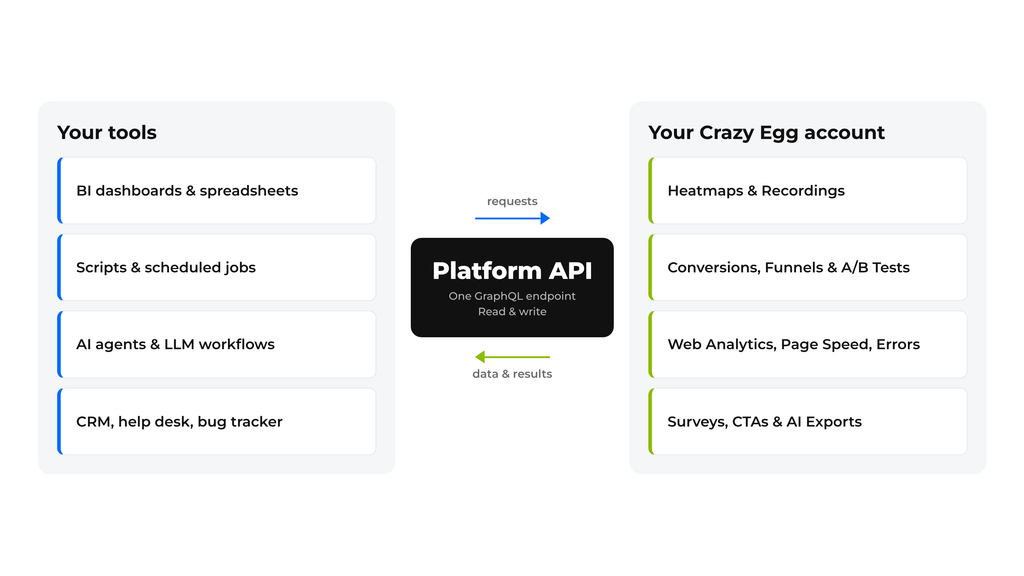
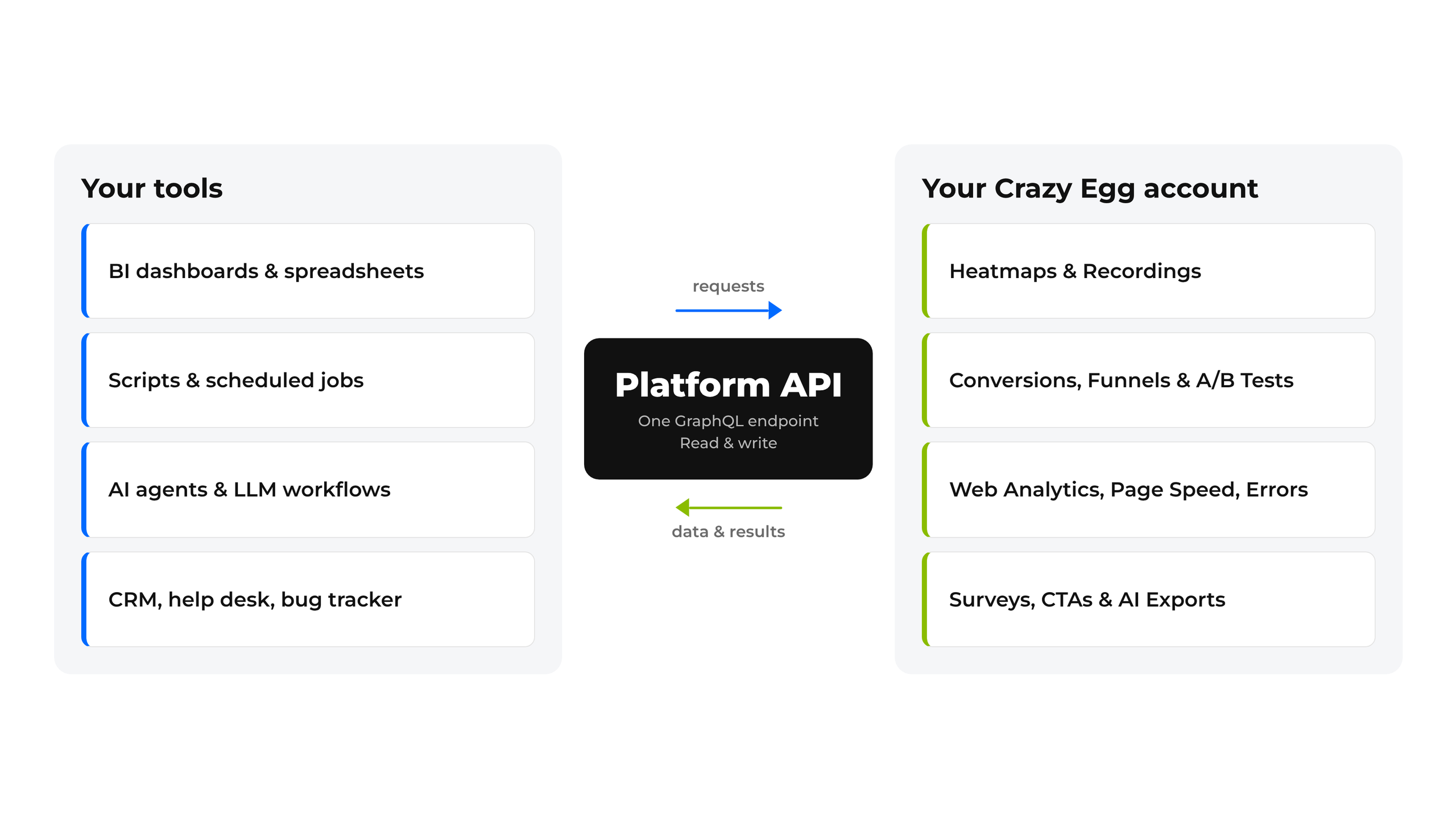
The Crazy Egg Platform API pulls data into the tools your team already uses, automating the work you do in Crazy Egg. It’s available on all paid plans.
The API can:
- Read data — Get Heatmaps, Recordings, Conversions, A/B Test results, Funnels, Web Analytics, Surveys, Page Speed and Errors data whenever you need it.
- Write access — Create Heatmaps in bulk, set up A/B Tests, manage Conversions, CTAs and Surveys, and invite your team.
- Get alerts — Send new Conversions, Survey responses and Errors to email, Slack or your own systems.
Crazy Egg users are already using the API to automate work:
- Get weekly performance reports in Slack or your BI dashboard, without exporting anything by hand.
- Set up tracking, Heatmaps, and Page Speed monitoring for a new site — or for dozens of client sites at once.
- Send new Survey responses straight to your CRM, help desk, or research repository.
- Turn top JavaScript Errors into tickets in your bug tracker automatically.
To get started with the Platform API, visit the technical documents at platform-api-docs.crazyegg.com.