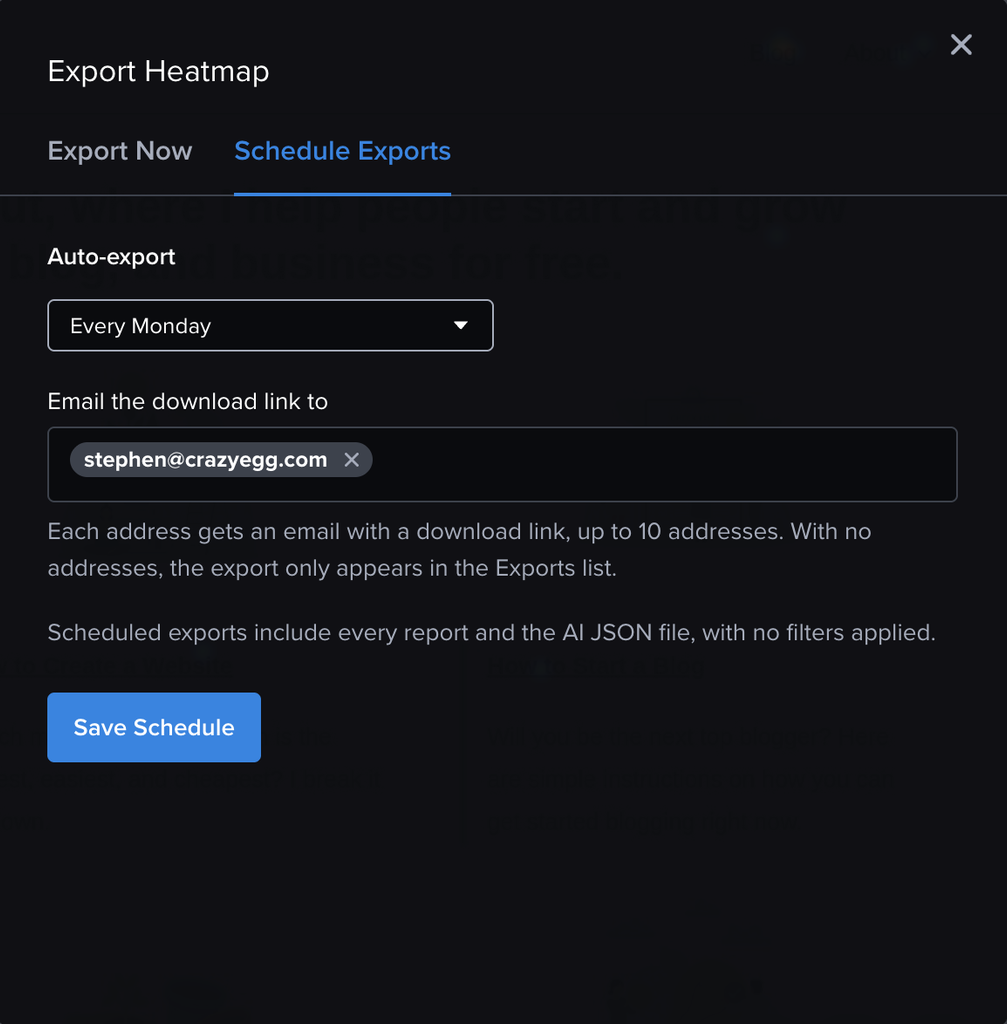
Schedule Heatmap data exports to send automatically
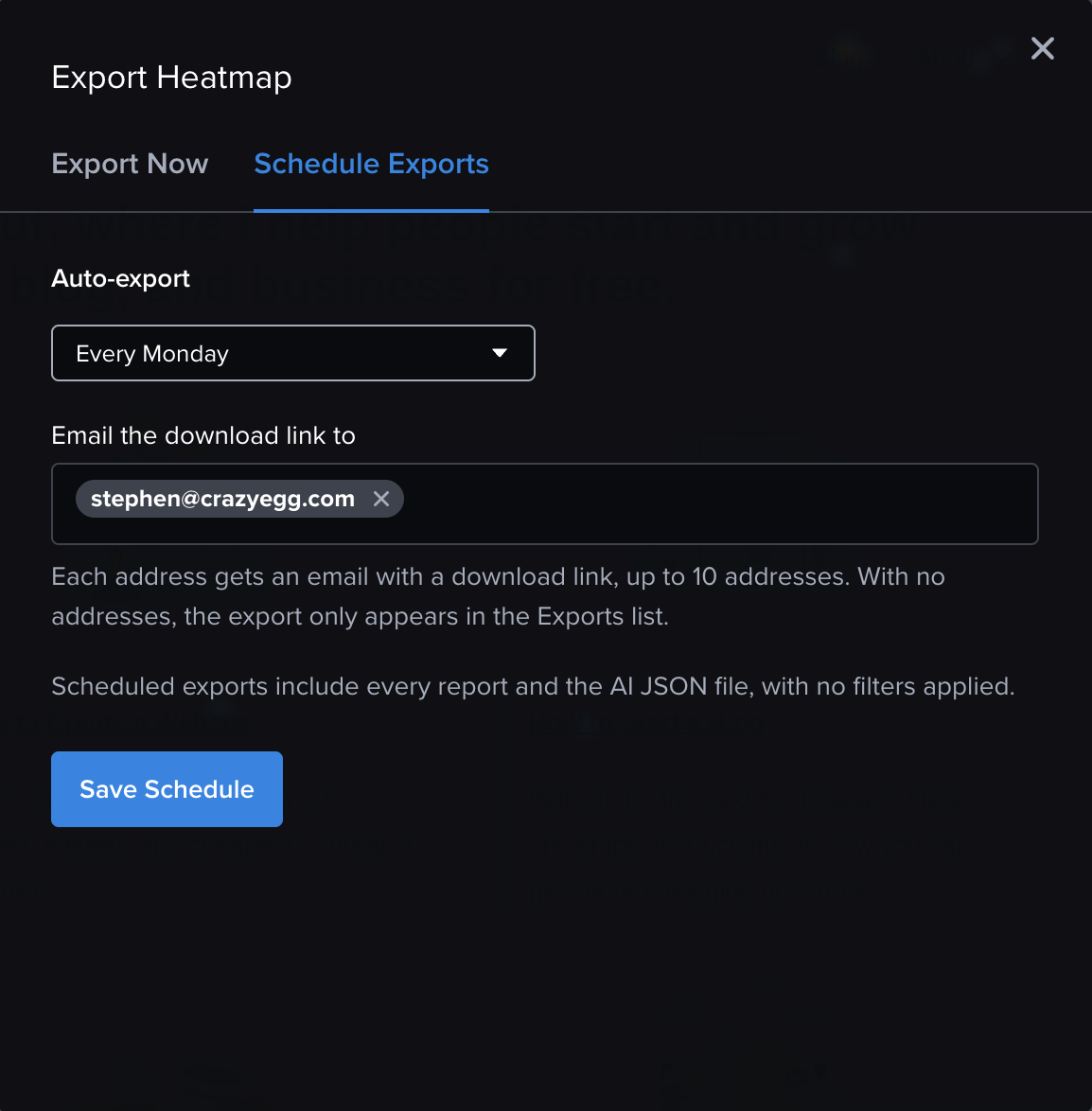

You can now set your Heatmaps to automatically send data files to your inbox.
These Scheduled Exports include all file formats that you have in your account: Heatmap screenshots as images, List report as a CSV, and AI Export as a JSON.
Exports can be scheduled to arrive on these frequencies:
- Every Monday
- Every Tuesday
- Every Wednesday
- Every Thursday
- Every Friday
- Every Saturday
- Every Sunday
- Every 30 Days
- When this Heatmap Ends
- Never
To see this setting, first go to the dropdown menu in the top-right corner of any Heatmap, and click “Export”.
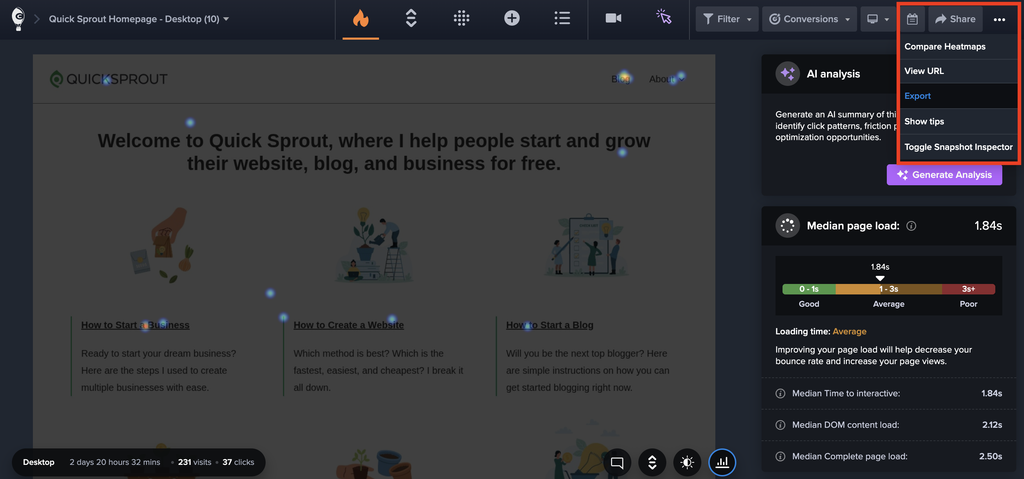
Then select the “Schedule Exports” tab.