
Bootstrap vs Tailwind CSS vs Material UI: Which Framework for Your Admin Dashboard?

Choosing a CSS framework for your admin dashboard is one of the earliest — and most consequential — architectural decisions you’ll make. Bootstrap, Tailwind CSS, and Material UI each take fundamentally different approaches to styling, and that choice cascades into your component library, bundle size, hiring pool, and long-term maintenance burden.
This comparison uses real data — GitHub stars, npm download numbers, bundle size benchmarks, and developer survey results — to help you make an informed decision. We’ve focused specifically on the admin dashboard use case, where the framework choice matters more than for marketing sites or blogs.
Table of contents — all 12 sections
Also on this page: Quick Verdict Table · Performance and Bundle Size · Component Ecosystem · Customization and Theming · Developer Experience · When to Use Each Framework · The Market Is Shifting · Frequently Asked Questions
Quick Verdict Table
Metric
Bootstrap 5
Tailwind CSS v4
Material UI v6
GitHub Stars
174,111
94,172
98,080
NPM Weekly Downloads
2.7M
69M
6.7M (@mui/material)
First Release
2011
2017
2014
Current Version
5.3.x
v4
v6
Approach
Component-based CSS
Utility-first CSS
React component library
Production CSS (gzipped)
~30 KB CSS + ~23 KB JS
6-12 KB (purged)
200 KB+ (component-rich)
Framework Lock-in
None (works with any)
None (works with any)
React only
Learning Curve
Easiest
Moderate
Steepest (requires React)
Dark Mode
Built-in color modes
dark: variant
Theme palette
State of CSS 2025 Usage
21.6%
37%
N/A (React-specific)
Best For
Rapid prototyping, enterprise
Custom designs, SaaS
React apps, Material Design
Performance and Bundle Size
Bundle size matters for admin dashboards — your users load the dashboard repeatedly throughout their workday, and heavy CSS/JS payloads add up. Here’s how the three frameworks compare with real benchmark data.
Metric
Bootstrap 5
Tailwind CSS (purged)
Material UI
Full CSS bundle (gzipped)
~30 KB CSS + ~23 KB JS = ~53 KB
6-12 KB
200 KB+ (varies by components used)
Typical production build (minified)
~72 KB
8-42 KB (depends on utility usage)
Varies (tree-shakeable)
Real-world case study
245 KB
15 KB
N/A
Core Web Vitals impact
Baseline
~40% better CWV scores
Requires code-splitting optimization
Tailwind CSS wins decisively on bundle size. Its JIT compiler only generates CSS for classes actually used in your markup, producing production bundles as small as 6-12 KB gzipped. One real-world case study showed a Tailwind build at 15 KB compared to Bootstrap’s 245 KB for a similar admin dashboard.
Bootstrap’s bundle is predictable but larger. The full framework weighs ~53 KB gzipped (CSS + JS). You can reduce this by importing only the components you need, but the savings are modest compared to Tailwind’s purge-based approach.
Material UI is the heaviest due to its CSS-in-JS approach (Emotion) and comprehensive component library. Tree-shaking helps, but a typical MUI admin dashboard ships significantly more CSS/JS than either Bootstrap or Tailwind equivalents. The trade-off is that MUI’s components include complex behaviors (autocomplete, data grid, date pickers) that would require additional libraries with the other two frameworks.
For Core Web Vitals specifically, benchmarks show Tailwind CSS-enabled pages often outperform Bootstrap on First Contentful Paint (FCP) and Time to Interactive (TTI) due to leaner CSS payloads. MUI performance depends heavily on how well you implement code-splitting and lazy loading of heavy components.
Component Ecosystem
An admin dashboard lives or dies by its component library. Data tables, charts, forms, modals, navigation patterns — you need all of them, and you need them to work together. Here’s how each framework’s ecosystem handles the admin dashboard component set.
Component Need
Bootstrap 5
Tailwind CSS
Material UI
Buttons, badges, alerts
Built-in
Via headless UI / shadcn/ui / DaisyUI
Built-in
Modals, dropdowns, tooltips
Built-in with JS plugins
Via Headless UI or Radix UI
Built-in
Data tables
Bootstrap Table / DataTables
Tanstack Table + custom styling
MUI Data Grid (advanced)
Charts
Chart.js / ApexCharts (separate)
Recharts / ApexCharts (separate)
MUI Charts / Recharts
Date pickers
Flatpickr / third-party
Third-party
MUI Date Pickers (built-in)
Autocomplete
Third-party
Third-party / cmdk
MUI Autocomplete (built-in)
Navigation (sidebar)
Built-in (navbar, offcanvas)
Custom or component libraries
MUI Drawer, AppBar
Form validation
Built-in HTML5 validation
React Hook Form + custom
MUI + React Hook Form
Admin templates available
Dozens (AdminLTE, CoreUI, etc.)
Growing fast (shadcn admin, TailAdmin)
Several (Materio, Berry, Minimal)
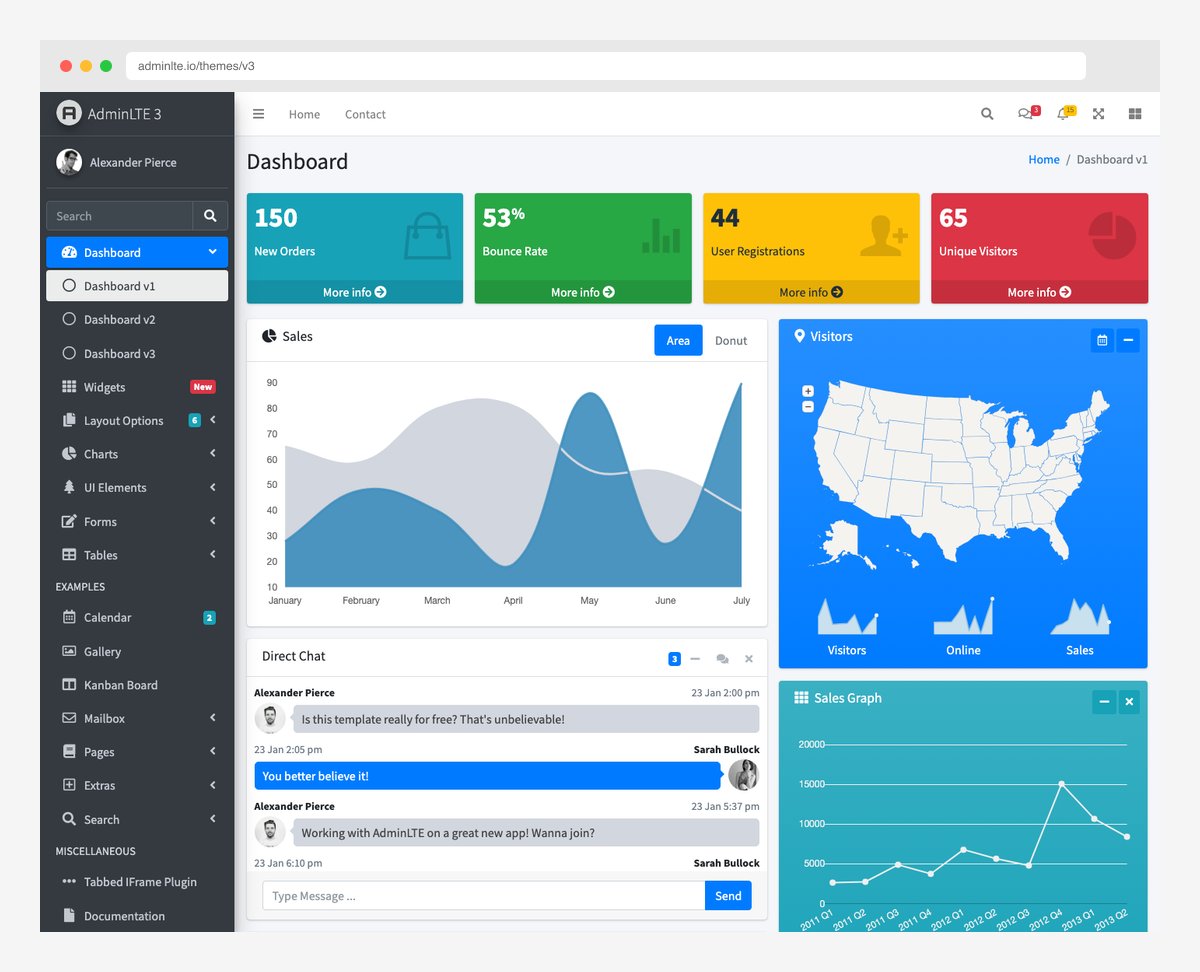
Bootstrap has the longest track record and the most admin templates. AdminLTE alone has 45,000+ GitHub stars. The component set covers 80% of admin dashboard needs out of the box, and the remaining 20% (charts, advanced tables) has well-established plugin integrations.
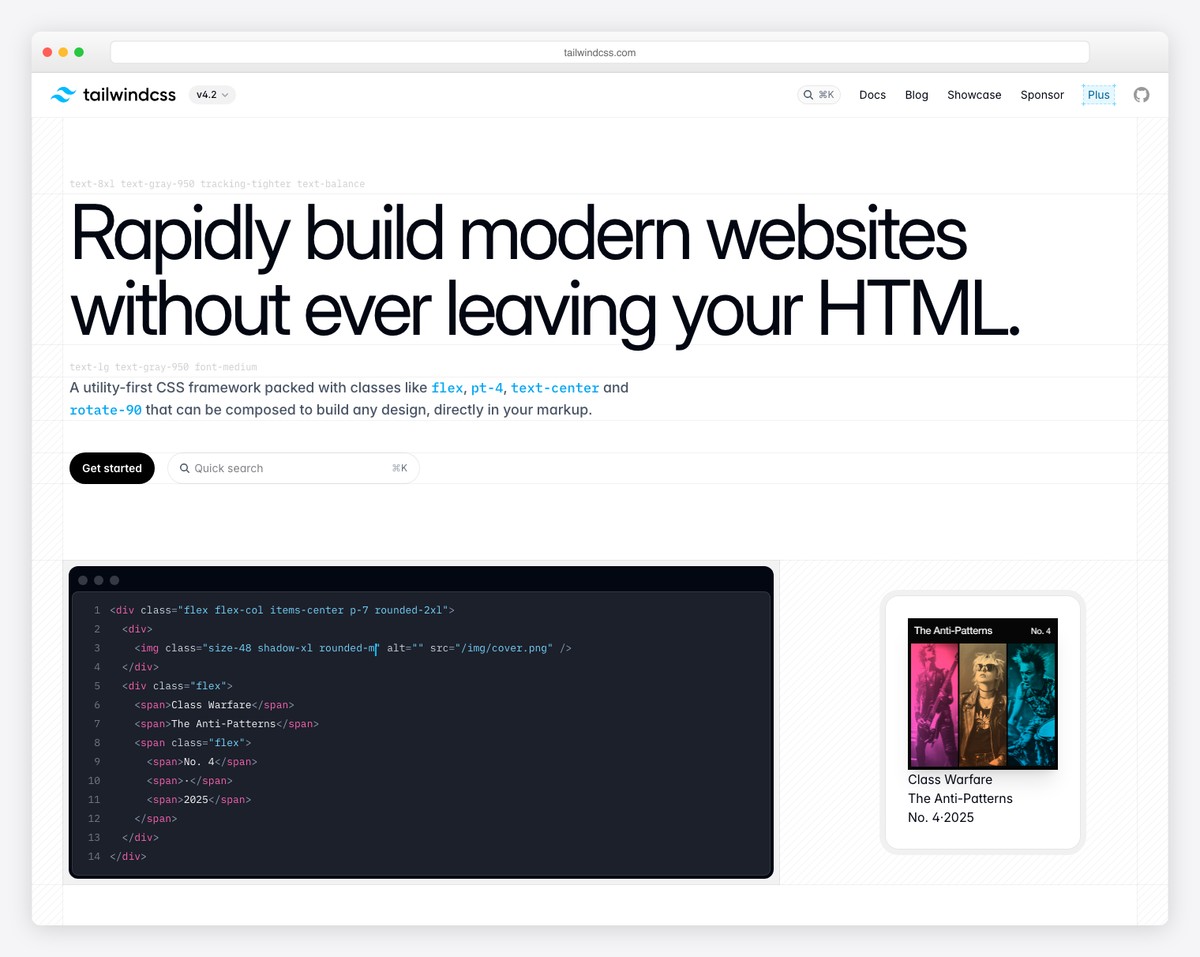
Tailwind CSS has no built-in components — that’s by design. Instead, you compose utilities in your markup or use component libraries like shadcn/ui (11,100+ stars for the admin template), DaisyUI, or Headless UI. The ecosystem has matured rapidly: in 2024, “Tailwind admin dashboard” searches returned a handful of options; in 2026, there are dozens of high-quality templates.
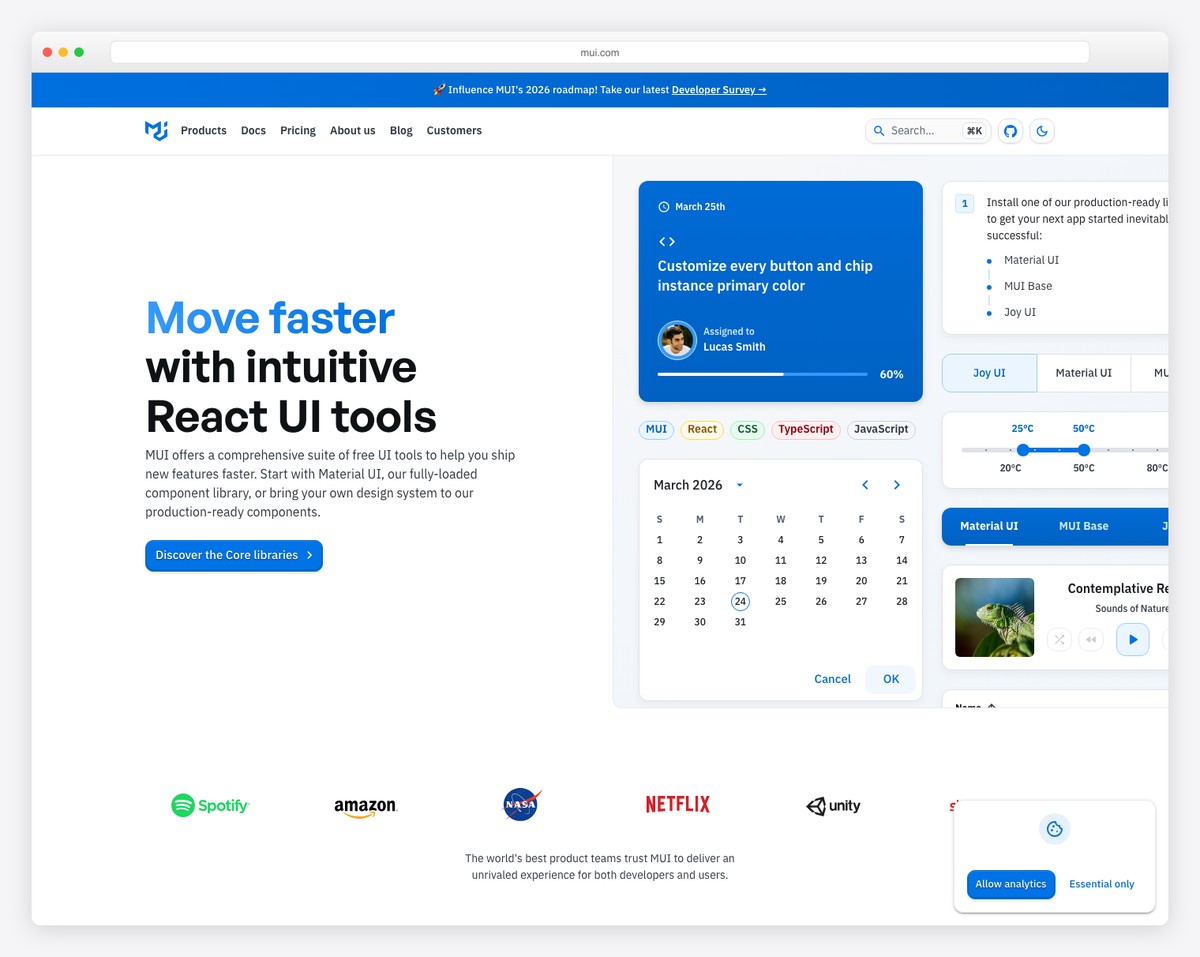
Material UI offers the most comprehensive built-in component set for React applications. The Data Grid, Date Pickers, Autocomplete, and Tree View are production-ready components that would require significant integration work with Bootstrap or Tailwind. If your admin dashboard is data-heavy, MUI’s advanced components save weeks of development.
Customization and Theming
Admin dashboards often need to match brand guidelines, support white-labeling, or offer multiple themes. Here’s how each framework handles customization.
Bootstrap uses SCSS variables for theming. You override $primary, $secondary, and other variables before importing Bootstrap’s SCSS files. This works well for color and spacing changes, but deeply customizing component structures means fighting Bootstrap’s opinionated defaults. The 12-column grid system and pre-built components create a recognizable “Bootstrap look” that’s hard to escape entirely.
Tailwind CSS provides the deepest customization through its tailwind.config.js file. Colors, spacing, typography, breakpoints, and animations are all configurable at the design token level. Because Tailwind applies utility classes directly in markup, you have pixel-level control over every element. There are no default component styles to override — you build exactly what you design.
Material UI uses a comprehensive theming system with CSS-in-JS (Emotion). The createTheme() function lets you customize palette, typography, spacing, breakpoints, and individual component styles. MUI’s sx prop provides inline style overrides that integrate with the theme. The downside: deep customization means fighting Material Design’s opinionated aesthetic. Making MUI look “not like Material Design” requires significant effort.
Customization Aspect
Bootstrap 5
Tailwind CSS
Material UI
Color customization
SCSS variables
Config file + CSS variables
Theme palette
Component structure
Hard to change
Full control (utility-based)
Moderate (styled system)
Typography
SCSS variables
Config file
Theme typography
Dark mode
data-bs-theme
dark: variant
Theme mode
White-labeling ease
Moderate
Excellent
Good (within Material Design)
Design uniqueness
Low (Bootstrap look)
High (fully custom)
Low-moderate (Material look)
Developer Experience
The framework you choose affects your team’s productivity, hiring pipeline, and onboarding speed. Here are the practical developer experience differences.
Bootstrap’s learning curve is the gentlest. Developers familiar with HTML and CSS can be productive within hours. The class names are semantic (.btn-primary, .card, .modal), documentation is comprehensive, and Stack Overflow has answers to virtually every Bootstrap question. According to the State of CSS 2025, 21.6% of developers actively use Bootstrap, meaning you can hire developers who already know it.
Tailwind CSS requires a mindset shift from traditional CSS. Instead of writing semantic class names, you compose utility classes in HTML (flex items-center gap-4 p-6 bg-white rounded-lg shadow-sm). This can feel verbose initially, but developers who adopt the utility-first approach often report faster iteration speeds than with any other framework. The 37% State of CSS adoption rate (2025) reflects its growing developer base.
Material UI has the steepest learning curve because it requires React knowledge plus MUI’s component API, theming system, and styling approach. The payoff is access to the most comprehensive component library available. MUI’s TypeScript support is excellent, and the development experience with autocomplete and type checking is productive once you’re past the learning phase.
DX Factor
Bootstrap 5
Tailwind CSS
Material UI
Time to productivity
Hours
Days
Weeks
Documentation quality
Excellent
Excellent
Excellent
IDE support
Good
Excellent (IntelliSense plugin)
Excellent (TypeScript)
Stack Overflow answers
Most (longest history)
Growing rapidly
Many (React-specific)
Framework dependency
None
None
React only
Build tool requirement
Optional (CDN works)
Required (PostCSS/CLI)
Required (React toolchain)
Hiring pool size
Largest
Growing fastest
React developers
Best Admin Templates for Each Framework
Bootstrap Dashboard Templates
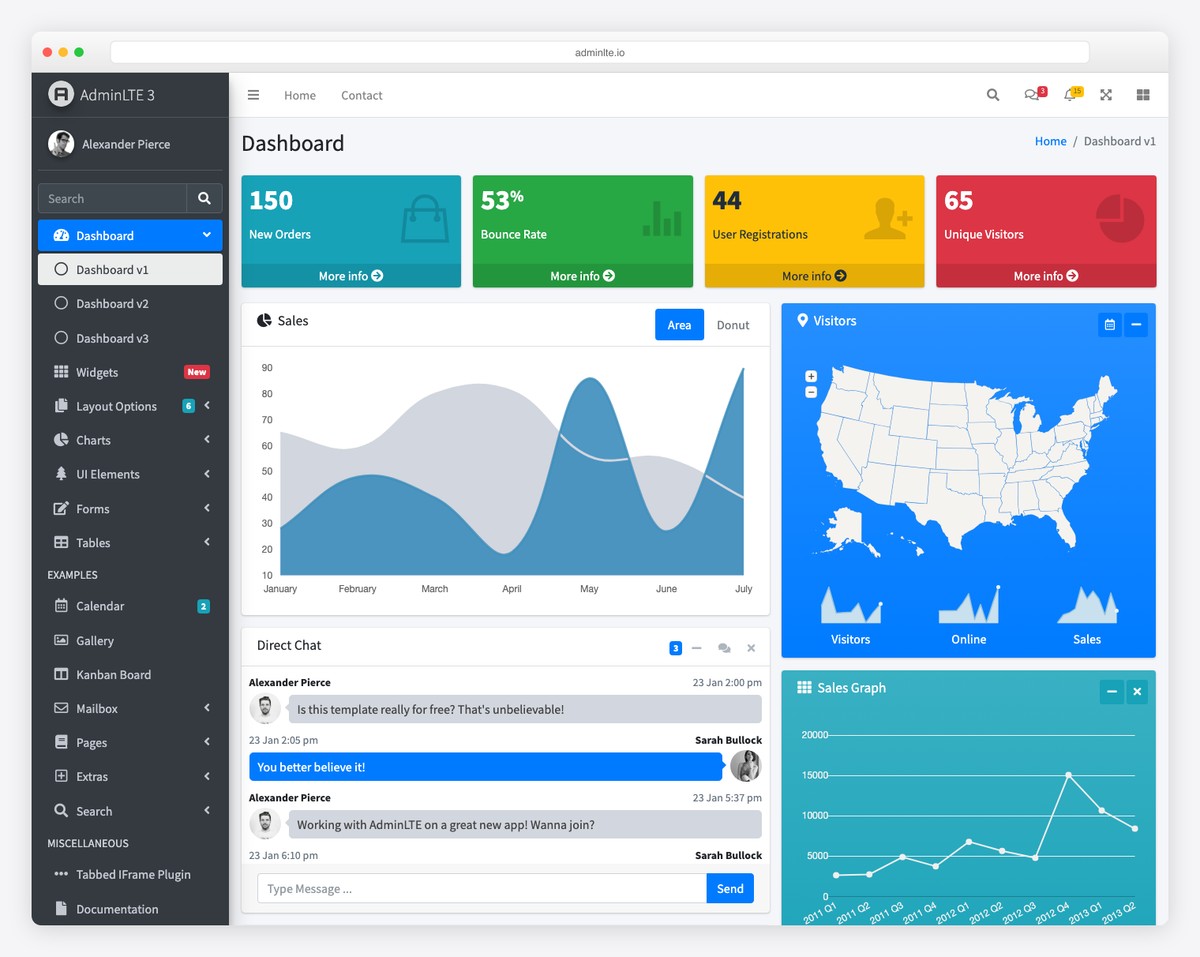
AdminLTE
The most starred Bootstrap admin template (44K+ GitHub stars). Free, open source, packed with widgets and page layouts.
Live Demo →
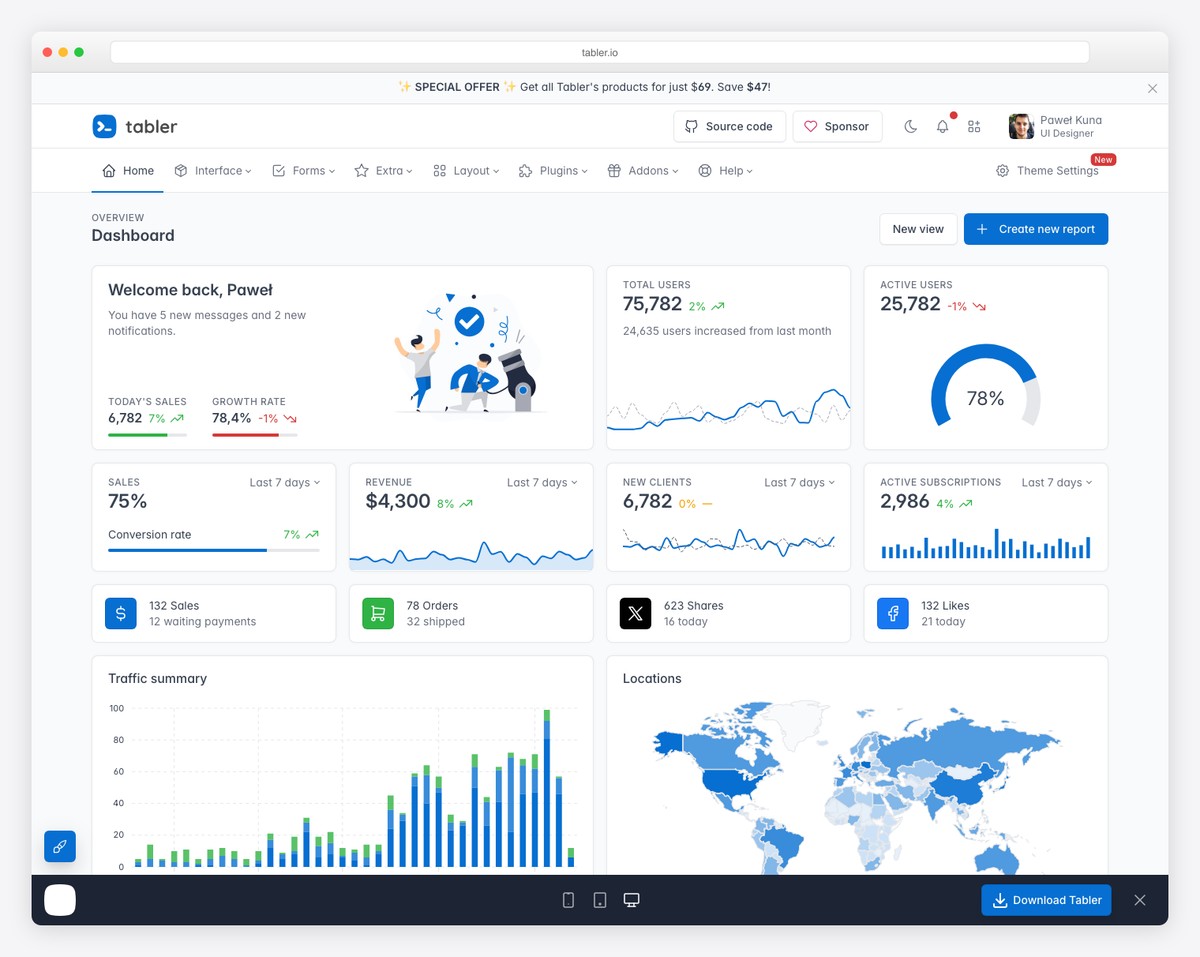
Tabler
Modern Bootstrap 5 dashboard with 38K+ stars. Beautiful default design, responsive, and developer-friendly.
Live Demo →
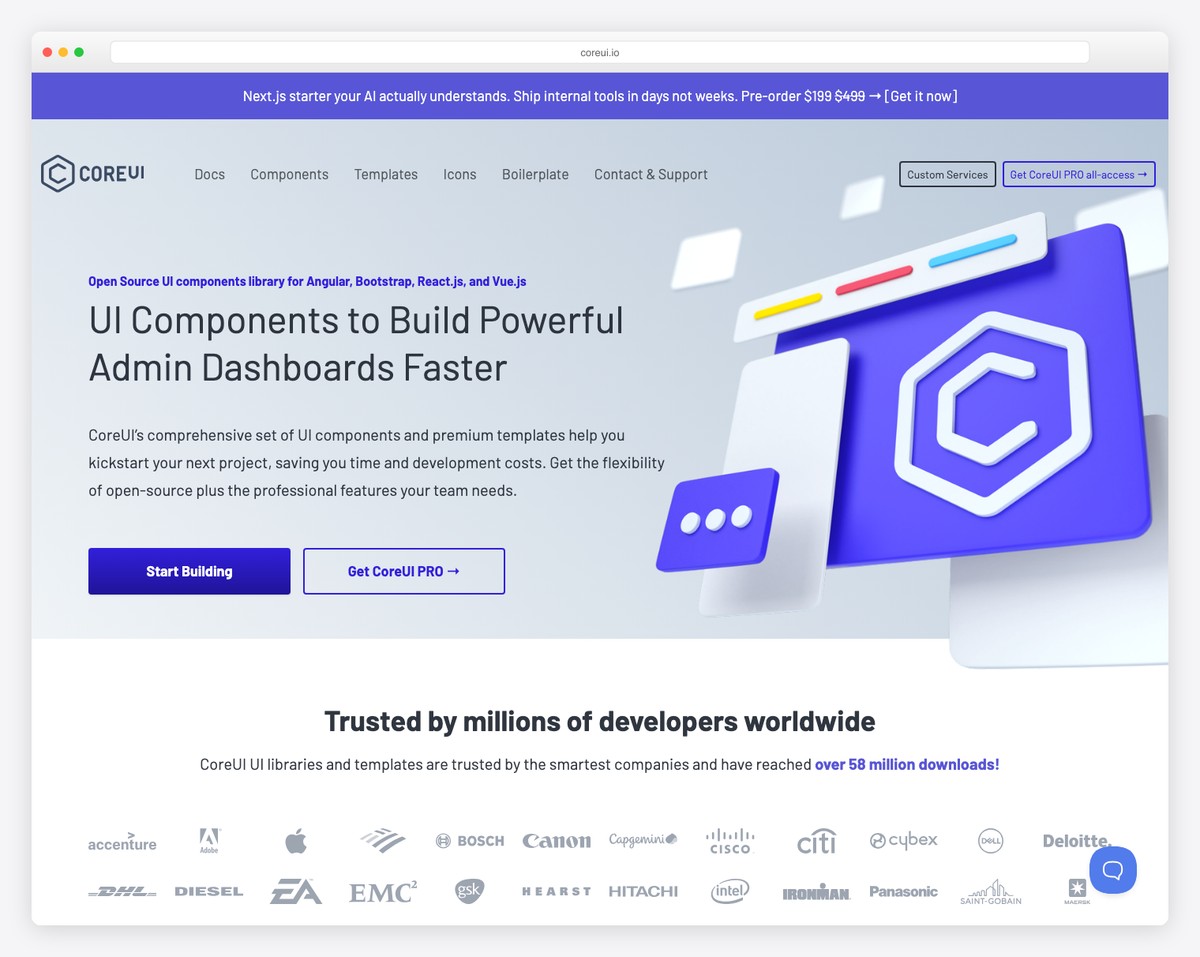
CoreUI
Cross-framework dashboard (Bootstrap + React/Angular/Vue). Free and Pro versions. Enterprise-grade components.
Live Demo →
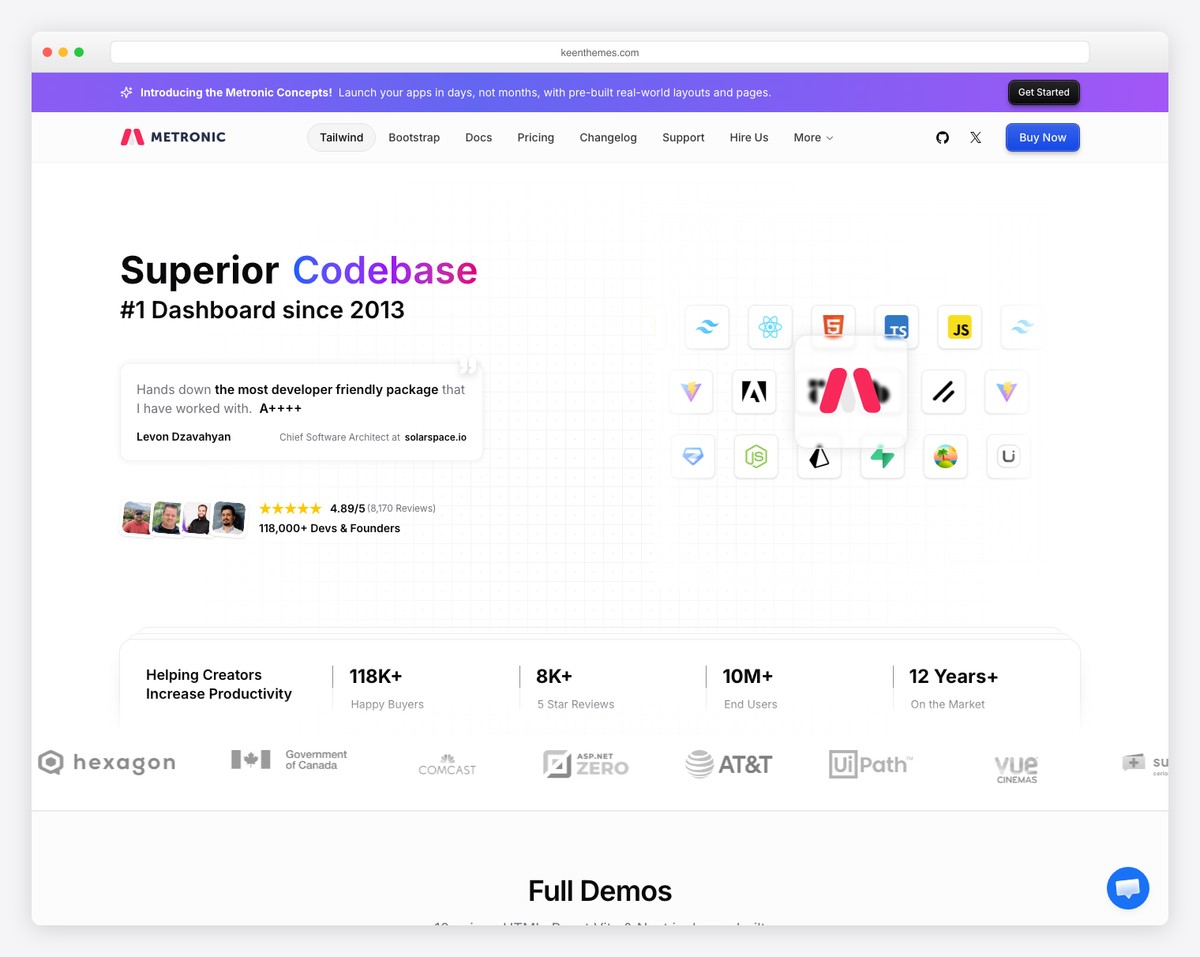
Metronic
Premium Bootstrap dashboard ($49+). Industry benchmark with 118K+ buyers. Massive component and layout library.
Live Demo →
Tailwind CSS Dashboard Templates
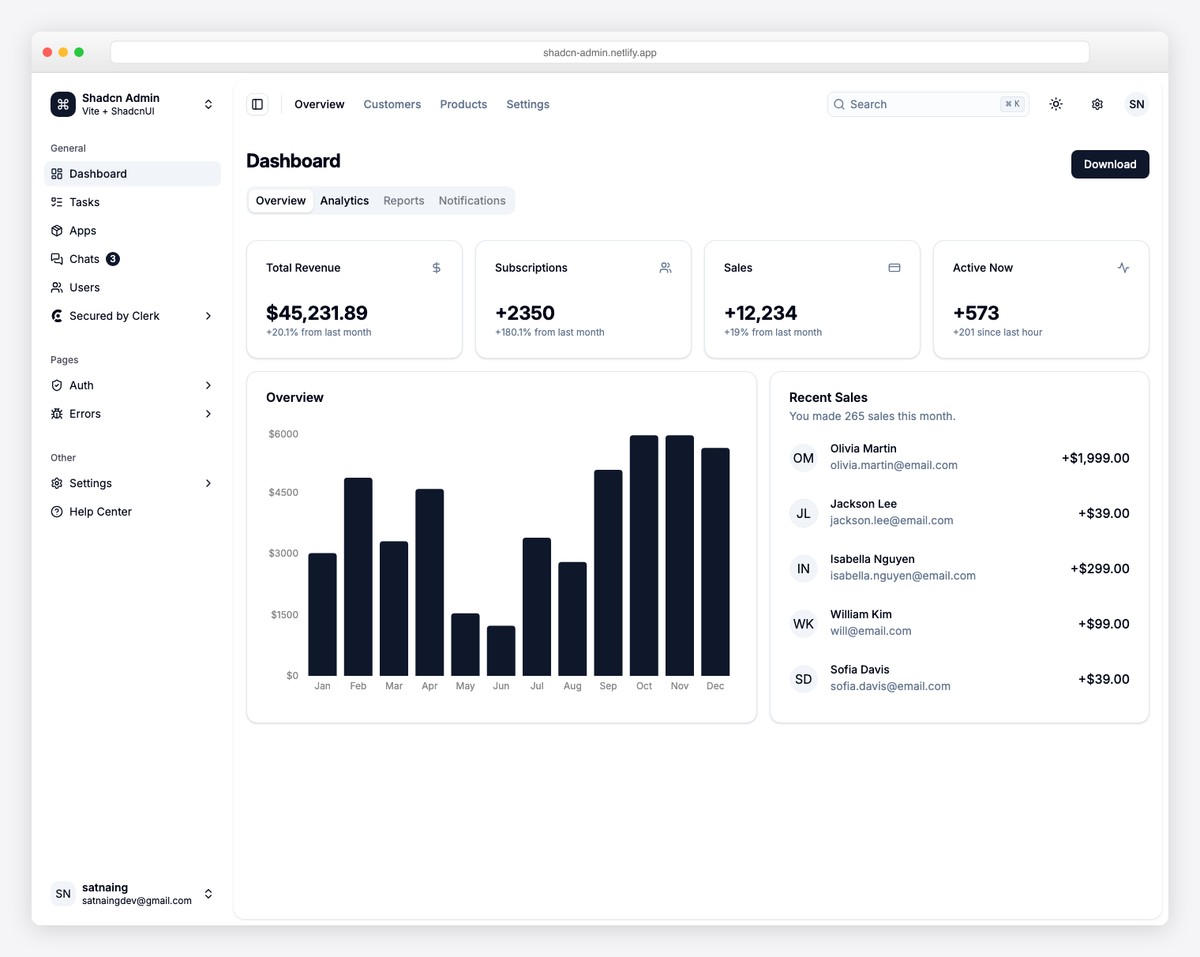
Shadcn Admin
Built with shadcn/ui + Vite + TypeScript. The most popular open source Tailwind dashboard for modern React projects.
Live Demo →
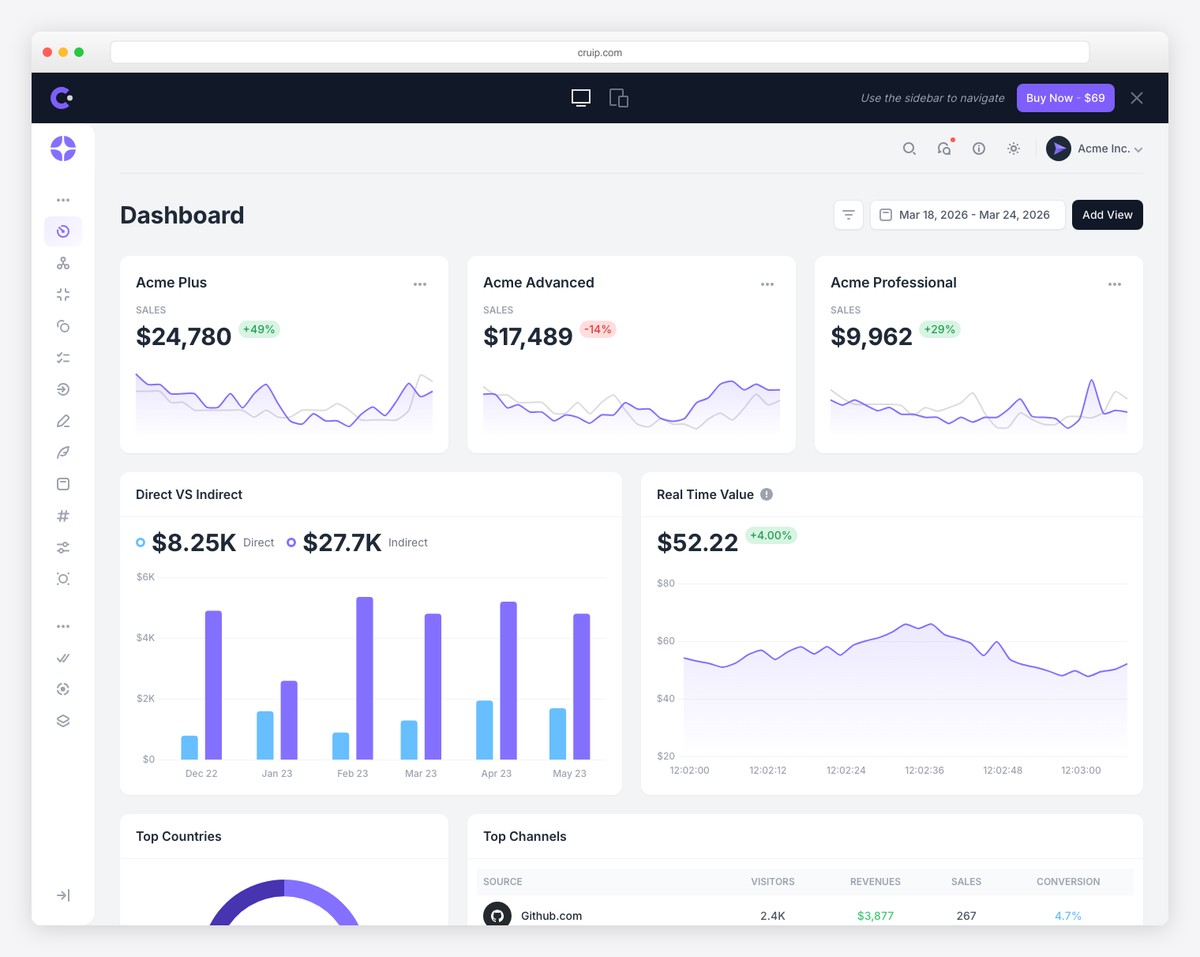
Mosaic Lite
Clean SaaS dashboard with analytics focus. Free Tailwind version by Cruip. Great for startup dashboards.
Live Demo →
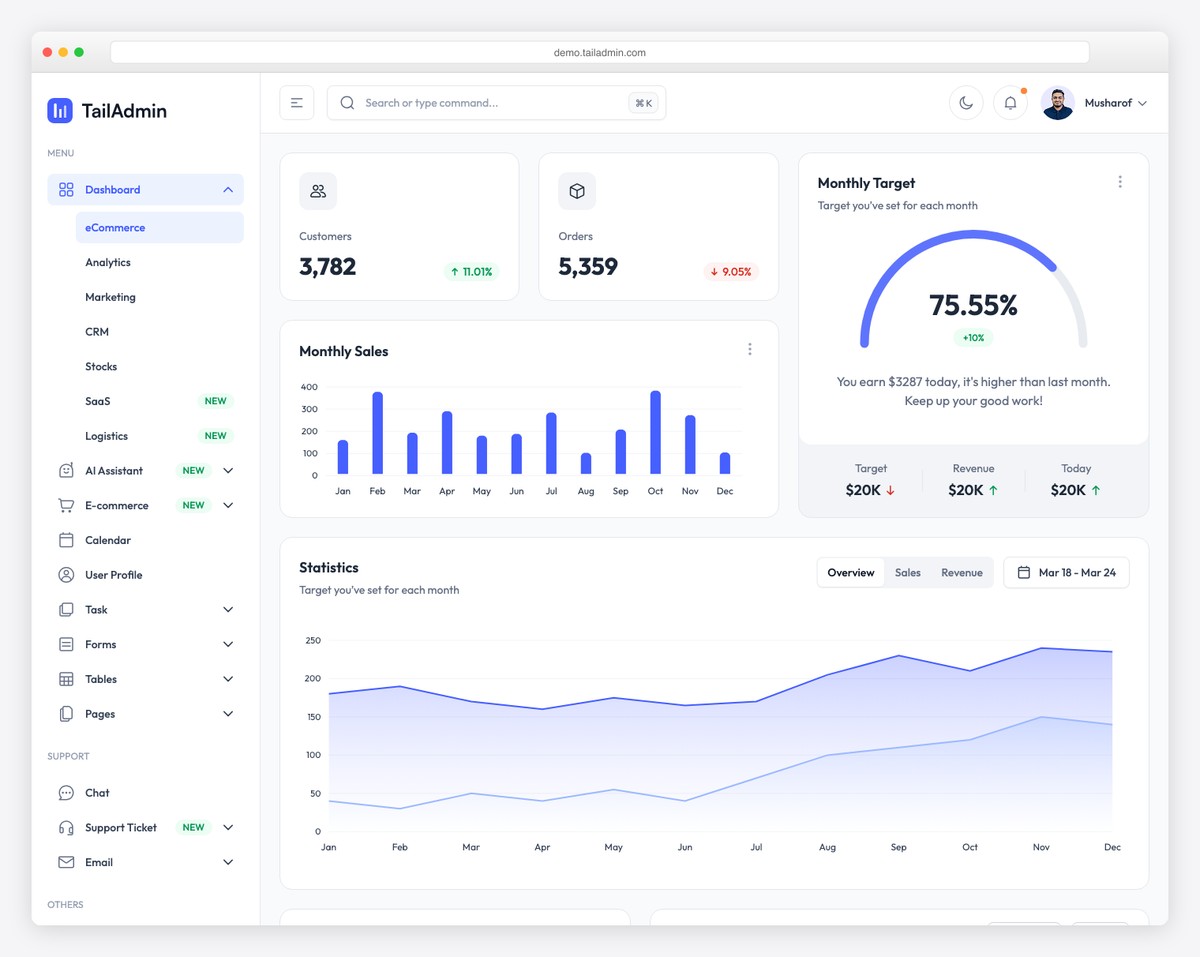
TailAdmin
Next.js + Tailwind CSS dashboard. Free open-source version with 200+ UI components. Dark mode included.
Live Demo →
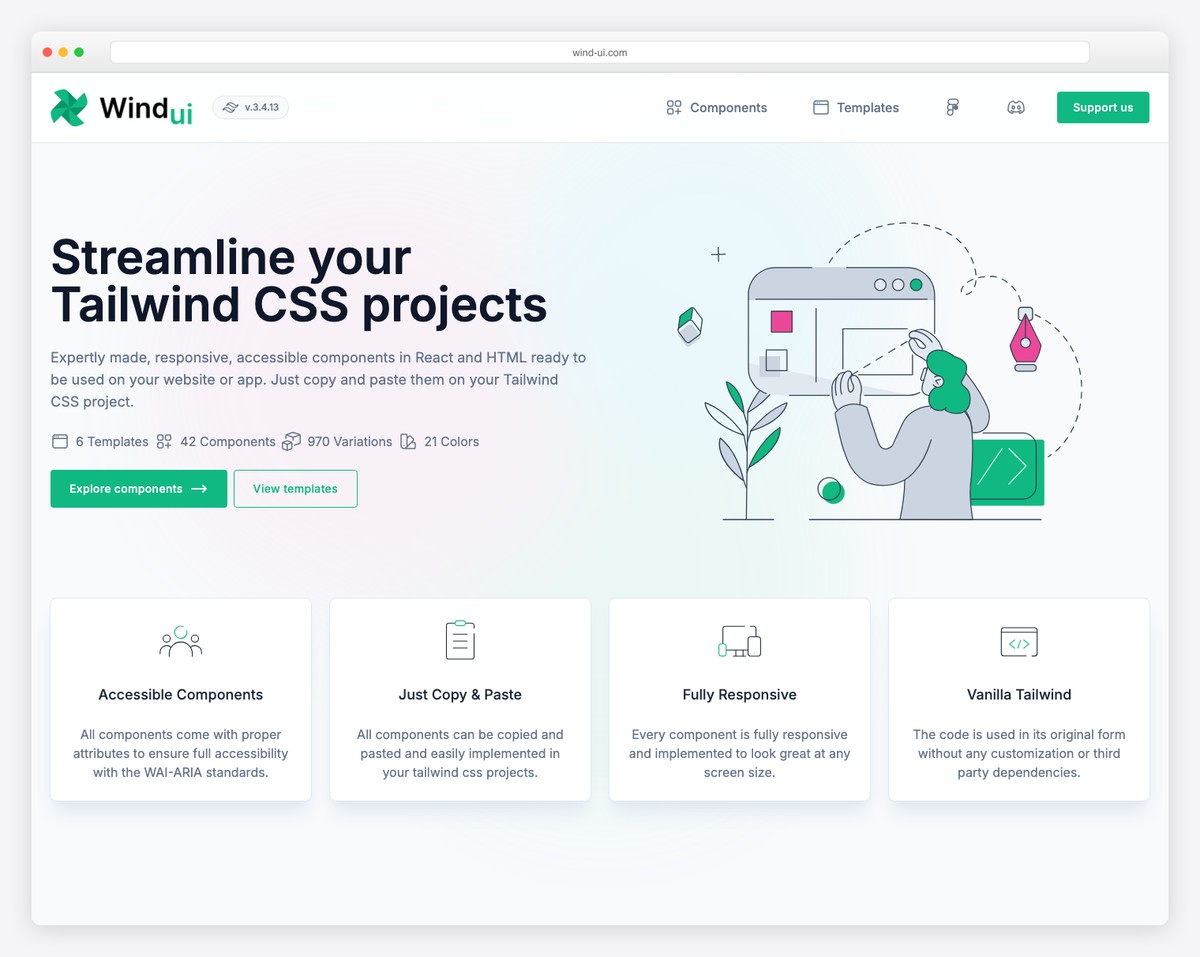
WindUI
42 accessible components, 970 variations. Copy-paste Tailwind components for React and HTML. Free and open source.
Live Demo →
Material UI Dashboard Templates
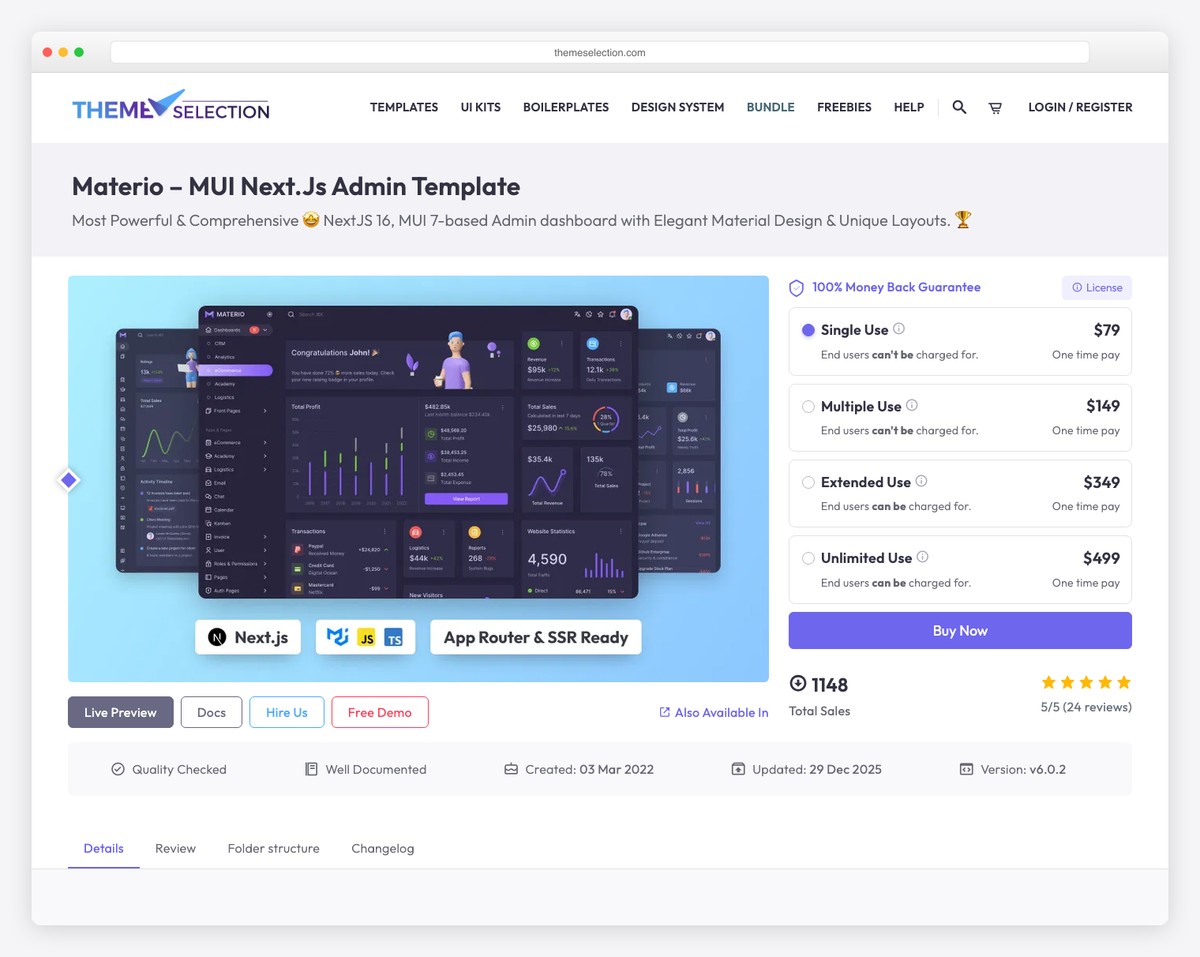
Materio
Premium MUI + Next.js template. TypeScript, dark/light mode, 7 dashboard layouts. From $69.
Live Demo →
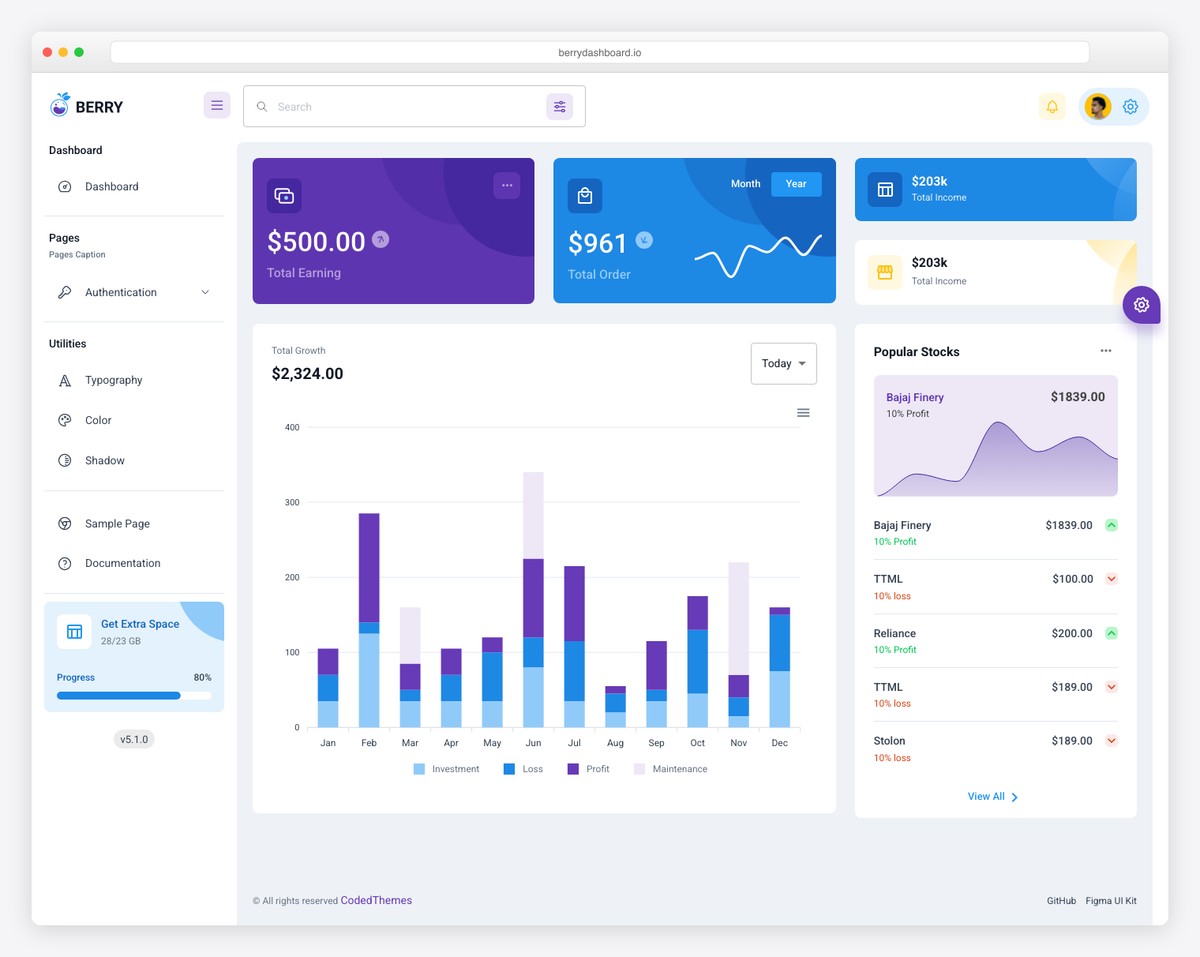
Berry
Popular MUI dashboard by CodedThemes. Free React version available. Material Design 3 inspired.
Live Demo →
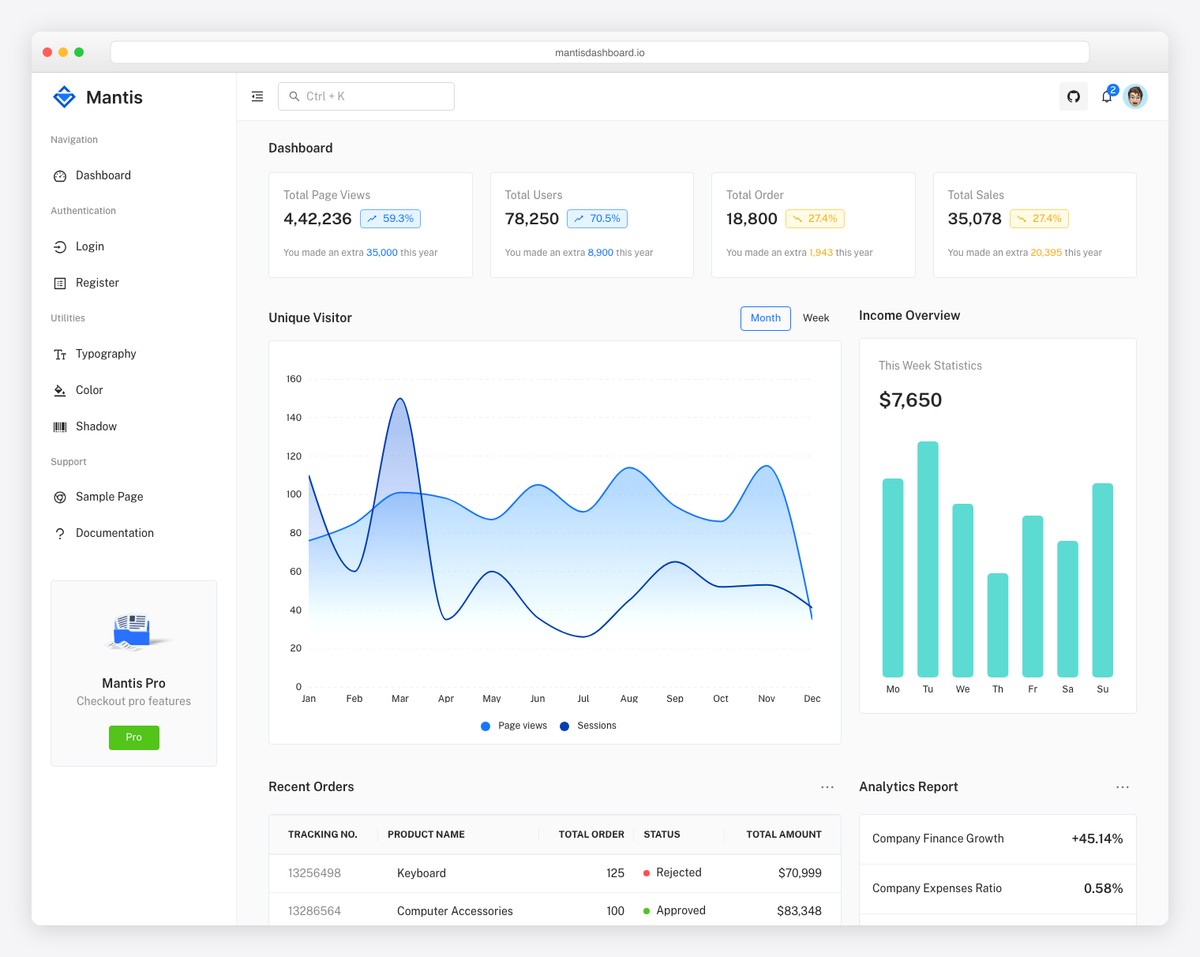
Mantis
Open source MUI v5 React dashboard. Clean minimal design with free version. Great for getting started.
Live Demo →
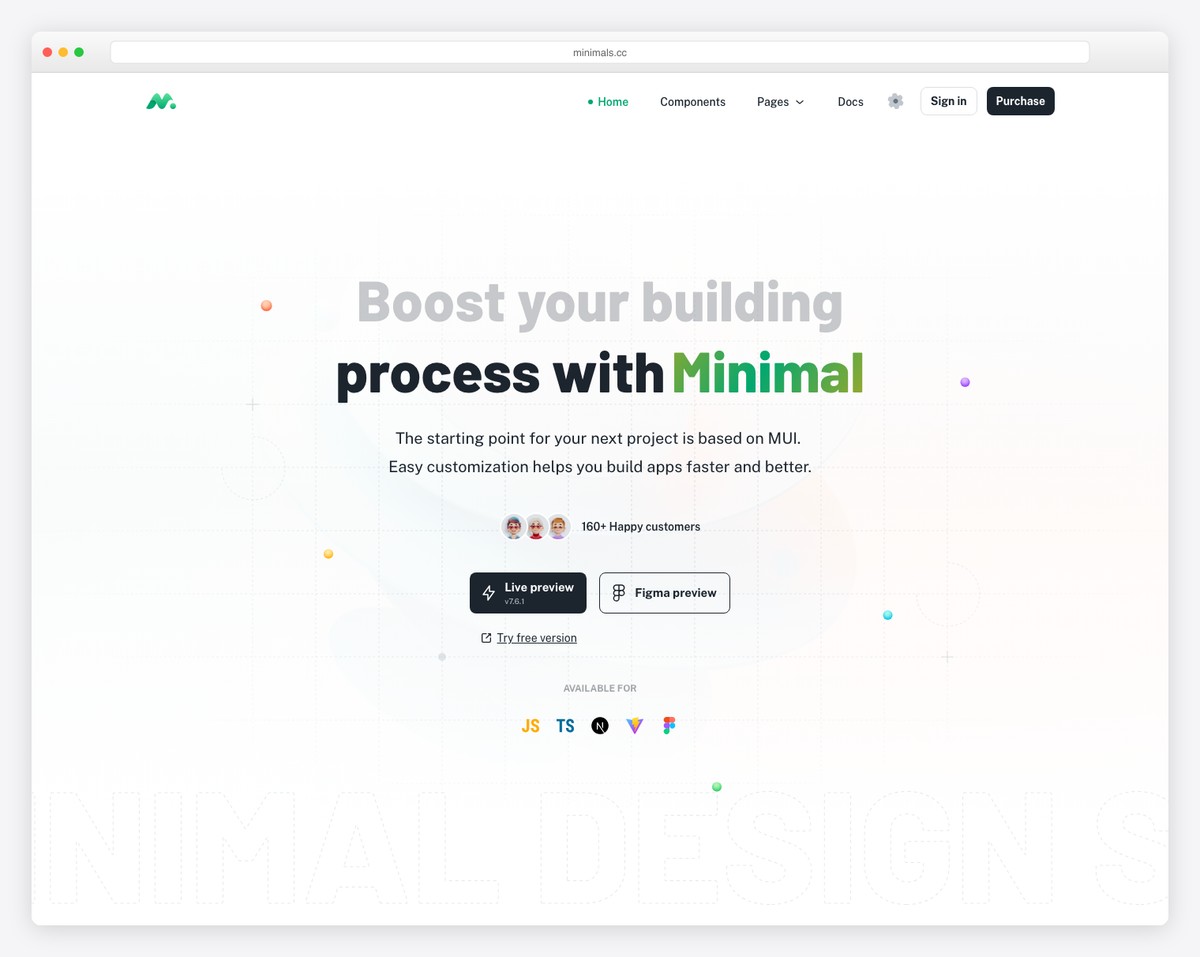
Minimal UI
Premium MUI starter kit ($59+). Used by 10,000+ developers. Production-ready with complete features.
Live Demo →
When to Use Each Framework
The right framework depends on your specific constraints. Here’s a decision matrix based on common admin dashboard scenarios.
Scenario
Best Choice
Why
Rapid prototyping / MVP
Bootstrap
Fastest time to a working dashboard with pre-built components
Custom SaaS admin panel
Tailwind CSS
Full design control, smallest bundle, no “template look”
React enterprise application
Material UI
Most comprehensive React component library with TypeScript
Multi-framework team
Bootstrap or Tailwind
Both are framework-agnostic; MUI is React-only
Performance-critical dashboard
Tailwind CSS
Smallest production CSS, best Core Web Vitals scores
Legacy project maintenance
Bootstrap
Largest existing codebase, most developers familiar with it
Data-heavy admin (grids, tables)
Material UI
MUI Data Grid is the most advanced React table component
Server-rendered (Laravel, Django, Rails)
Bootstrap or Tailwind
Both work without a JavaScript framework; MUI requires React
Design agency / white-label product
Tailwind CSS
Most customizable, no opinionated design language to fight
Accessibility-first project
Material UI or Bootstrap
Both have extensive ARIA support built into components
Choose Bootstrap if you need to ship fast, your team includes junior developers, you’re working with a server-rendered backend (Laravel, Django, Rails), or you’re maintaining an existing Bootstrap project. Bootstrap’s strength is predictability and speed.
Choose Tailwind CSS if you want full design control, you’re building a SaaS product with a custom design system, you care about bundle size and performance, or you want to avoid the “looks like Bootstrap” problem. Tailwind’s strength is flexibility and output quality.
Choose Material UI if you’re building a React application, you need advanced data components (Data Grid, Date Pickers, Tree View), your team is comfortable with React’s ecosystem, or Material Design aligns with your brand. MUI’s strength is component completeness.
The Market Is Shifting
The data tells a clear story about where the industry is heading. Tailwind CSS’s 69 million weekly npm downloads dwarf Bootstrap’s 2.7 million — though npm doesn’t capture Bootstrap’s significant CDN usage. The State of CSS 2025 survey shows 37% of developers using Tailwind vs. 21.6% for Bootstrap, with Tailwind leading satisfaction scores.
For admin dashboards specifically, the shift is even more pronounced. Quote from the admin template market analysis: “Tailwind CSS has pretty much taken over the admin dashboard space at this point, with what used to be Bootstrap’s unchallenged territory now packed with Tailwind-based alternatives that look better, weigh less, and give more control.”
That said, Bootstrap isn’t going anywhere. Its 174,000 GitHub stars represent the largest CSS framework community ever built, and millions of existing admin panels run on Bootstrap. The framework’s evolution (native dark mode in 5.3, utility API improvements) shows continued investment in staying relevant.
Material UI occupies a different niche entirely — it’s the clear winner for React applications that need Material Design or advanced data components. Its 98,000 GitHub stars and growing npm downloads reflect React’s continued dominance in the frontend framework space.
Frequently Asked Questions
Is Tailwind CSS replacing Bootstrap?
In new project adoption, yes. Tailwind CSS leads the State of CSS 2025 survey at 37% usage vs. Bootstrap’s 21.6%, and its npm downloads are 25x higher. However, Bootstrap remains dominant in existing projects and enterprise codebases. It’s more of a generational shift than a replacement — new projects trend toward Tailwind, while existing Bootstrap projects continue to be maintained.
Can I use Tailwind CSS with Material UI?
Technically yes, but it’s not recommended. MUI uses CSS-in-JS (Emotion) for styling, which can conflict with Tailwind’s utility classes. Some templates (like Materio) combine MUI components with Tailwind for layout, but this requires careful configuration to avoid specificity conflicts. Choose one primary styling approach.
Which framework is best for admin dashboard performance?
Tailwind CSS produces the smallest CSS bundles (6-12 KB gzipped in production) and shows ~40% better Core Web Vitals scores compared to Bootstrap in benchmarks. Bootstrap is moderate (~53 KB gzipped). MUI is the heaviest due to CSS-in-JS overhead but can be optimized with tree-shaking and code-splitting.
Is Bootstrap still worth learning in 2026?
Yes, for specific contexts. If you work with server-rendered frameworks (Laravel, Django, Rails), maintain existing Bootstrap projects, or need the fastest prototyping speed, Bootstrap knowledge is valuable. However, if you’re starting fresh with React or Vue, learning Tailwind CSS will serve you better for new projects.
What is shadcn/ui and how does it relate to Tailwind CSS?
shadcn/ui is a collection of reusable React components built on Radix UI primitives and styled with Tailwind CSS. Unlike traditional component libraries, you copy the component code into your project and own it completely. It has become the de facto component library for Tailwind CSS + React admin dashboards, with the Shadcn Admin template reaching 11,100+ GitHub stars.
Which framework has the most admin dashboard templates available?
Bootstrap has the most by volume due to its 15-year head start — thousands of templates exist on ThemeForest alone. Tailwind CSS templates are growing fastest, with high-quality options like Shadcn Admin, TailAdmin, and Mosaic leading the space. MUI has fewer dedicated admin templates, but they tend to be comprehensive (Materio, Berry, Minimal UI Kit).
Can I migrate from Bootstrap to Tailwind CSS?
Yes, but it’s a significant effort. You need to replace Bootstrap’s component classes with Tailwind utilities, swap JavaScript plugins with headless alternatives (Headless UI, Radix UI), and rebuild responsive layouts. For large codebases, a gradual migration — using both frameworks temporarily — is more practical than a big-bang rewrite.
Which framework is best for dark mode?
All three support dark mode, but the implementation differs. Tailwind’s dark: variant is the most flexible — you add dark styles inline alongside light styles. Bootstrap 5.3’s data-bs-theme attribute provides official dark mode support at the framework level. MUI’s theme palette approach works well within React but requires more setup.
Do I need a CSS framework for an admin dashboard?
Technically no — you can build everything with vanilla CSS. However, admin dashboards require consistent styling across dozens of component types, responsive layouts, form handling, and navigation patterns. A CSS framework saves hundreds of hours of work and provides tested, accessible implementations. The State of CSS 2025 shows that “no CSS framework” ranked #13 out of 21, indicating most developers prefer using one.
Which framework has the best documentation?
All three have excellent documentation, but they excel in different ways. Bootstrap’s docs are the most comprehensive with live examples for every component. Tailwind’s docs are the best-organized with its searchable utility class reference. MUI’s docs are the most interactive with a component playground and TypeScript API references. For admin dashboard development, all three provide sufficient documentation to work productively.
Was this article helpful?
YesNo

