
How To Record a Phone Call On Your iPhone
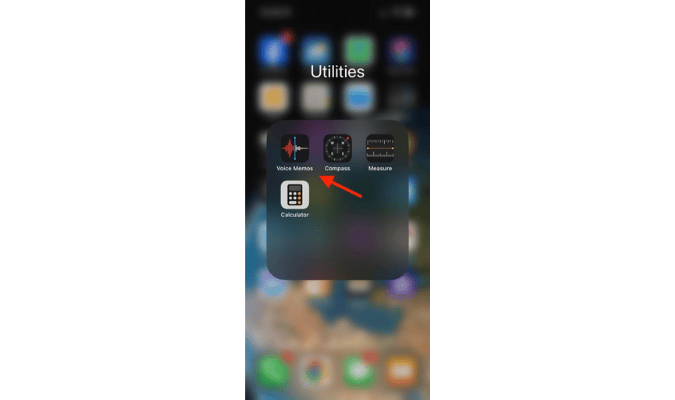

The bad news is that, if you’re an Apple user, there’s no built-in iPhone call recording feature you can use.
The good news? There’s a way around this that doesn’t involve downloading an app.
Tell People You Are Recording a Call First
As a general rule, you should always get the other party’s consent before you start recording because it’s common courtesy and it might be illegal if you don’t.
Check the legal requirements for recording calls in every state in the U.S. If you or your conversation partner live outside of the U.S., make sure to check with the legislation in that country.
How to Record a Call On Your iPhone Without Downloading an App
iPhones come with a recording app, but it can’t be accessed during actual calls. And you don’t want to download an external app for recording calls. So, what do you do?
Use another device to record the call. This option does require work to set up properly. However, it’s the best way around having to download a call recording app.
Here’s what you need to do:
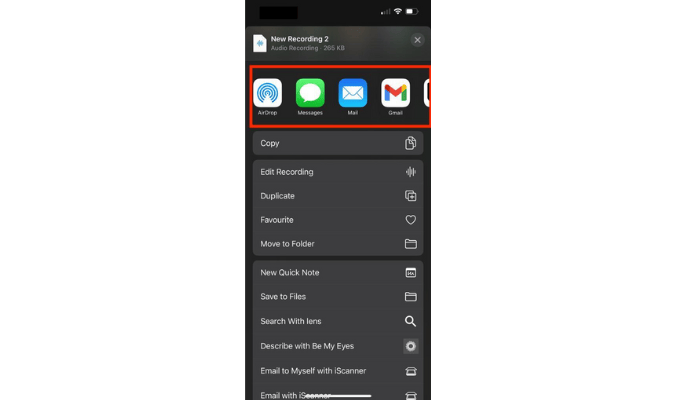
If you use Voice Memos on another iPhone to record your call and want to transfer the recording file to another platform, follow these steps:
Tap on the recording file.
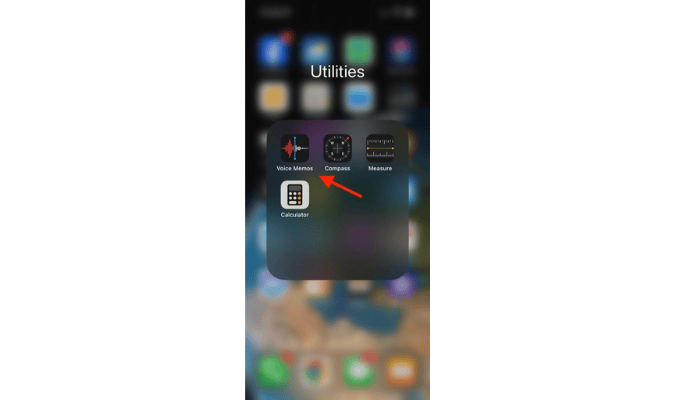
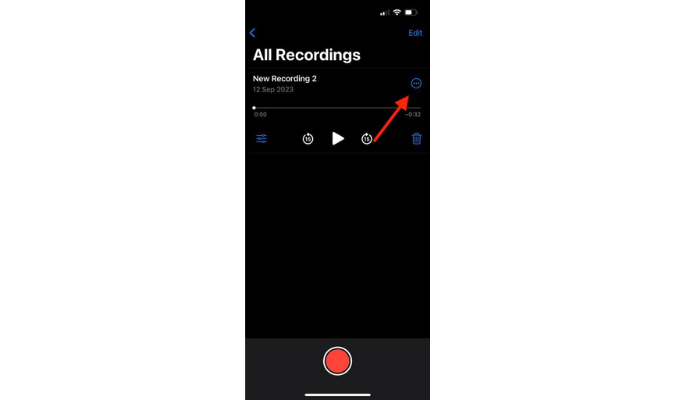
Tap on the three dots.
Tap Share.
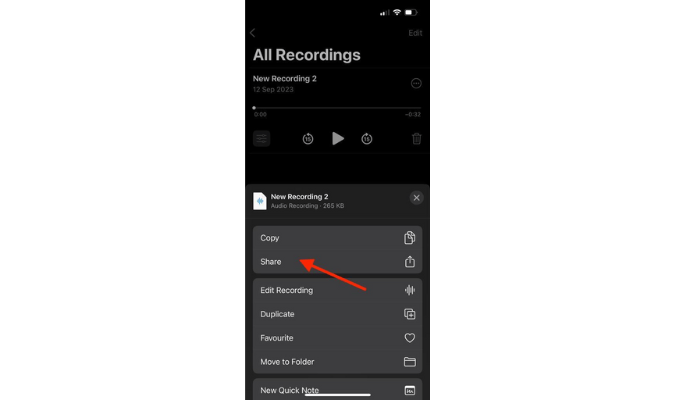
Choose where you want to share it (Gmail, WhatsApp, Slack, Facebook Messenger, or another app).
How to Record a Call on Your iPhone Using an App
If you find that the no downloads option is more work than you anticipated, go with one of the best call recording software options out there for iPhones, Rev Call Recorder.
Rev Call Recorder
Rev Call Recorder is a free app that allows you to record voice calls. You get unlimited call recordings, unlimited storage, and the ability to share and export recordings. You can also get your calls transcribed for a fee.
The one major disadvantage of this app is that it only works with U.S. phone numbers—so if you want to call someone outside of the U.S. or if you’re based outside of the U.S., you won’t be able to download and use this app.
That said, the app receives a solid 4.5 out of 5 stars rating in the App Store from more than 13.1K users.
Here’s how to record an outgoing call on an iPhone using Rev Call Recorder:
Here’s how to record an incoming call on an iPhone using Rev Call Recorder:
