
Why Your AI Chatbot Is Slow & How to Fix It

Six of the twelve JavaScript files behind Tawk.to’s 2 KB embed snippet are ES5 polyfills for browsers that stopped needing them around 2017. Together those twelve come to 214.4 KB on the wire and 661.9 KB once decompressed.
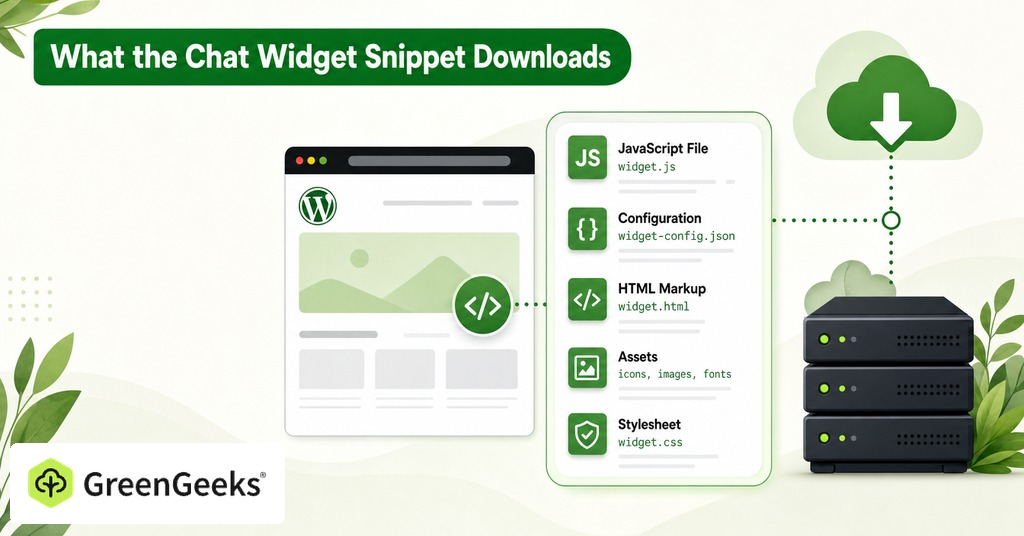
The snippet in the install instructions only lists what the browser will fetch, and the JavaScript it fetches behind that listing is what makes a chat widget slow. The 2 KB quoted in those instructions predicts none of the cost a visitor pays for the second stage.
What the Chat Widget Snippet Downloads
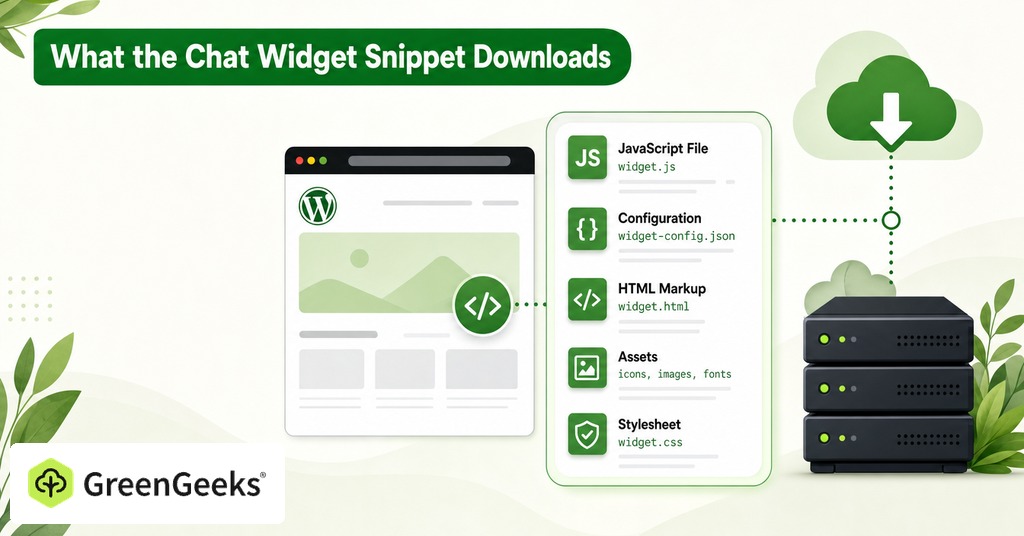
Almost every commercial chat widget arrives in two stages, and the size quoted in the install documentation describes only the first. The three heaviest products in the category each keep the weight somewhere different.

A site owner sees 3.0 KB on the wire for Intercom’s loader, and its source hardcodes four stage-two asset URLs on a separate CDN domain, pinned with integrity hashes. A modern browser is served two of them, 169.6 KB and 91.2 KB compressed. Those decompress into 686.0 KB and 346.2 KB. The full modern path comes to 263.8 KB on the wire and 1,039.6 KB decoded across three requests, before any CSS, font, avatar or websocket.
Six ES5 polyfills sit inside Tawk.to’s second stage, adding about 1.2 KB decoded between them and costing six round trips to fetch. That stage totals 214.4 KB wire and 661.9 KB decoded, under Intercom on both counts, though it arrives as thirteen separate JavaScript requests including the loader. That is more than four times the round trips Intercom’s modern path needs.
Voiceflow puts the whole widget behind one request. It skips the loader and points straight at a 557.4 KB bundle that decodes to 1,746.5 KB, the largest payload of the three, so a visitor waits on a single long download instead of the thirteen short ones Tawk.to issues.
Chat Widget Script Size and Main Thread Time
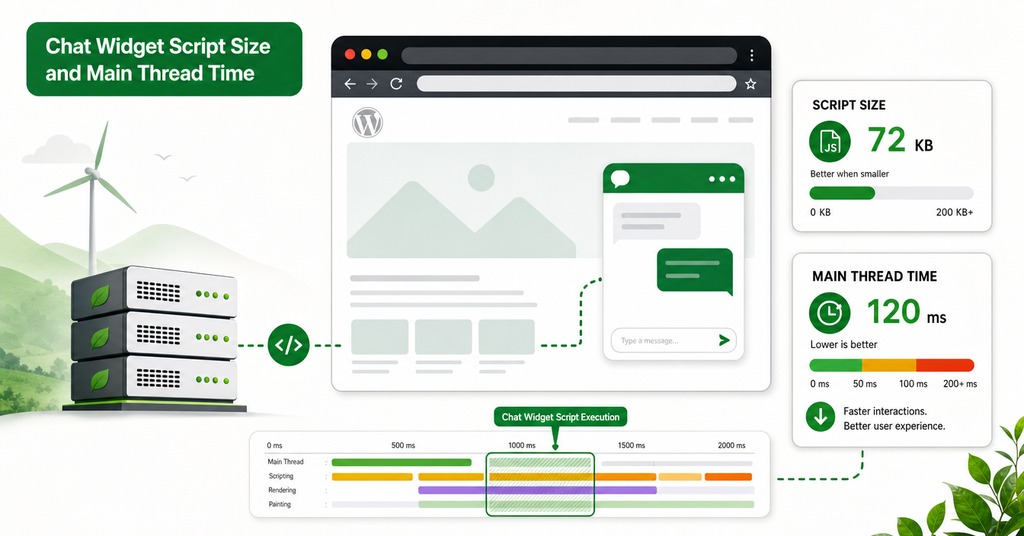
Every file above has two sizes that predict different things. Wire size measures only the download. Decoded size is the figure the JavaScript engine receives, and the only one that predicts CPU cost.
Downloading 264 KB over a modern connection takes a few hundred milliseconds and happens in parallel with everything else on the page. Turning that 264 KB into 1,040 KB of JavaScript source, then parsing, compiling and executing it, happens on the main thread, the same single thread that handles rendering and every click, tap and key press.
Cache headers decide how often a visitor pays that price again. Bundles with content-hashed filenames, including Intercom’s and Zendesk’s, are served with a one-year cache lifetime, so a returning visitor pays nothing. Drift’s include script sends no-cache, Chatbase sends max-age=0 with must-revalidate, and Chatling sends no-store, while Voiceflow’s bundle expires after five minutes and returning visitors revalidate it constantly. Two widgets of identical size can differ in real cost purely on that header, and the Size column in the DevTools Network panel shows which header a widget sends.
Which Chat Widgets Are Slowest?
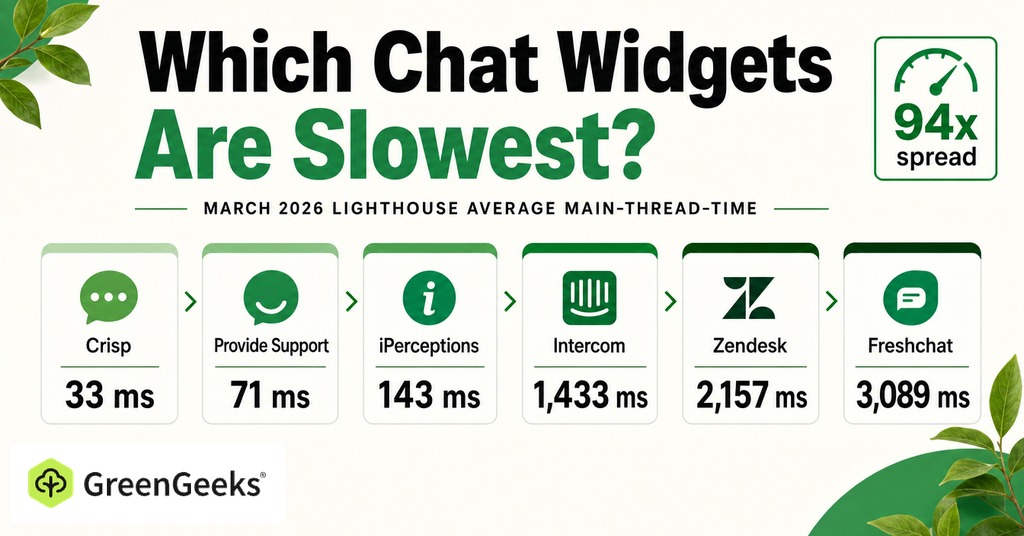
Vendor choice is measurable before installation, because Lighthouse attributes main-thread execution time to each script across roughly 4 million mobile sites monthly and aggregates it by vendor. The March 2026 spread inside the chat category is 94-fold.
Widget
Average main-thread time
Sites measured
Crisp
33 ms
1,577
Provide Support
71 ms
1,679
iPerceptions
143 ms
7,974
Tawk.to
440 ms
176,551
Smartsupp
647 ms
35,566
Jivochat
994 ms
84,370
LiveChat
1,116 ms
62,860
Intercom
1,433 ms
58,316
Zendesk
2,157 ms
111,484
Freshchat
3,089 ms
11,972
Crisp and Freshchat do the same job for a visitor, and one costs 33 milliseconds of main-thread time while the other costs 3,089. Scripts in this category are heavier than the site-wide average, and the heaviest products are also among the most widely installed, since Zendesk appears on 111,484 measured sites and Crisp on 1,577. Deployment counts and main-thread cost do not track each other, so a site owner comparing vendors on install numbers is comparing on the wrong figure.
Chat Widgets and Core Web Vitals
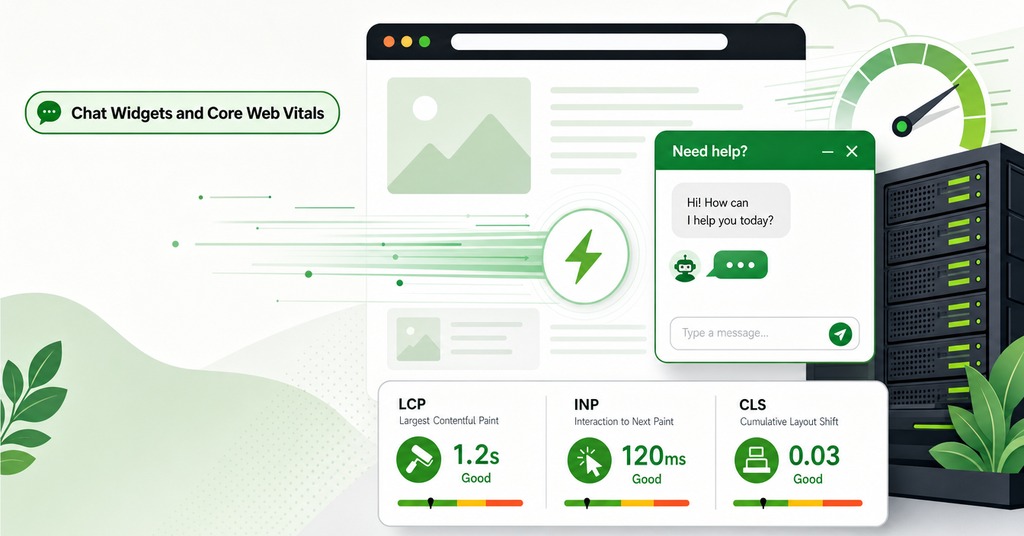
Because the damage from a widget falls on interaction and not on paint, a site can post a passing Largest Contentful Paint and still respond badly to a click. A passing paint score tells a site owner almost nothing about what the widget is doing, and the metric that does see it is the one built to observe every interaction across the page’s lifetime.
How INP Measures a Widget’s Cost
A widget occupying the main thread for 1,433 milliseconds adds that time to the input delay of any interaction attempted in the window, and input delay is the first component Interaction to Next Paint counts. INP replaced First Input Delay as a stable Core Web Vital, and where FID measured only the delay before the first interaction was handled, INP observes every click, tap and key press across the page’s lifetime, from input delay through the event handlers to the next painted frame. At the 75th percentile, 200 milliseconds or less is good and above 500 milliseconds is poor.
Do Interactions Inside an Iframe Count?
INP explicitly includes interactions inside embedded iframes, even though most widgets mount inside one, on the grounds that a visitor has no idea what is in a frame and what is not. CrUX attributes an iframe’s layout movement to the top-level page for the same reason. That attribution is a known source of disagreement between field data and a site’s own monitoring, since JavaScript cannot see inside a cross-origin frame.
What the Widget Does to LCP and CLS
A chat widget is rarely the Largest Contentful Paint element and it delays LCP anyway, competing for bandwidth during the critical window and pushing back the paint of whatever the LCP element turns out to be.
A well-built bubble uses fixed positioning and stays outside the document flow, so it contributes no CLS. The movement comes from widgets that inject in-flow elements and from panels that expand without warning, and proactive-message cards and consent banners cause most of it.
Does Async or Defer Fix a Slow Chat Widget?
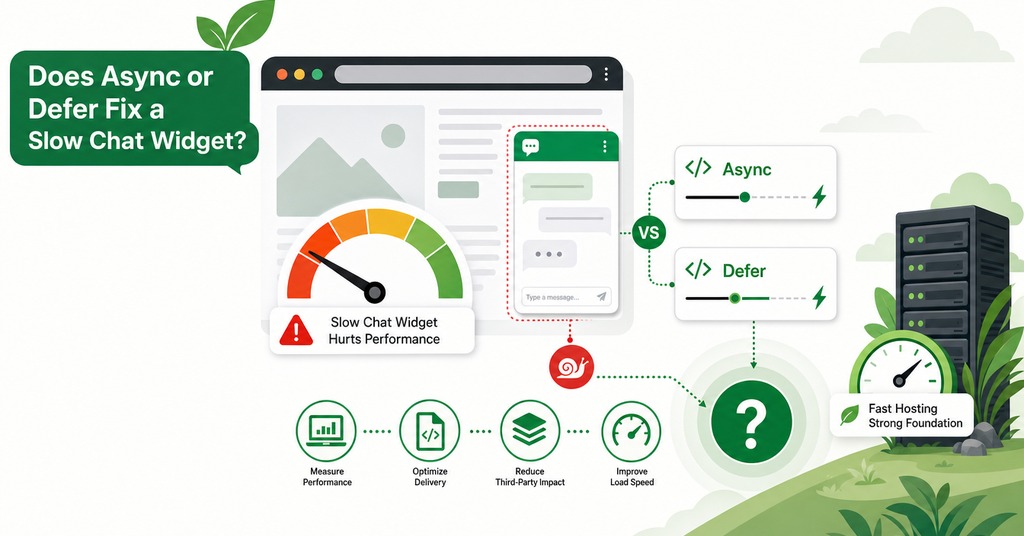
Neither reduces main-thread work by one millisecond. The widget’s cost is CPU work, and moving the script later moves the main-thread block without shortening it. The semantics still matter, because async and defer are not interchangeable. A plain script blocks HTML parsing while it downloads and runs. Marking it async lets the download happen in parallel, though execution starts the moment the file arrives, interrupting parsing at an unpredictable point and preserving no order between multiple async scripts. Defer also downloads in parallel, then waits until the document is parsed and runs immediately before DOMContentLoaded in document order. For a chat widget, defer is the better of the two.
How to Lazy Mount a Chat Widget on Interaction
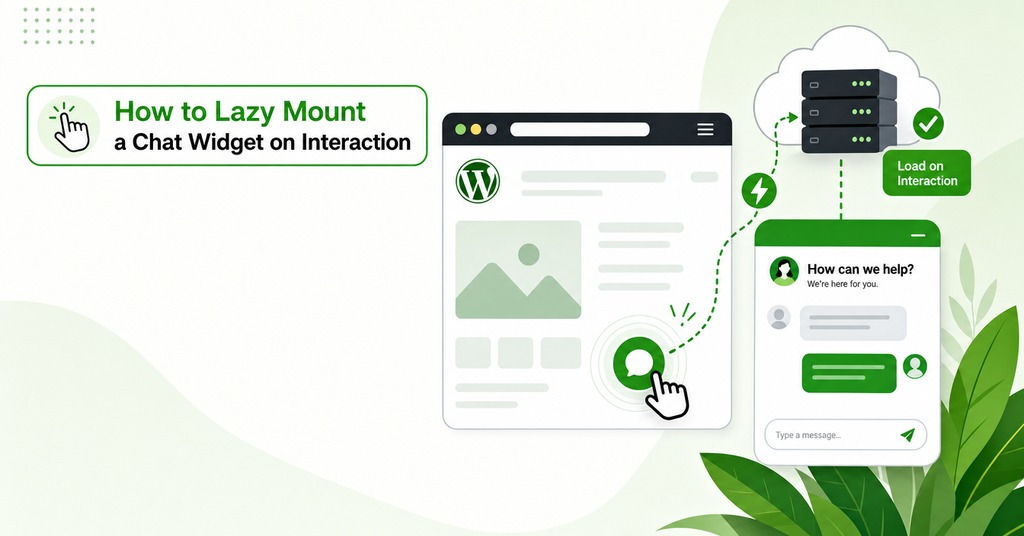
Lazy mounting puts a static element on the page that looks like the chat bubble and loads the real widget only when the visitor reaches for it. That element is called a facade, and it is a few kilobytes against a widget close to a megabyte.
The Three Events That Trigger the Load
The facade goes on the page at load, preconnects to the widget’s origin on mouseover, and is replaced by the real widget on click.
The library that implements the pattern adds a fourth trigger, loading the widget once the main thread has been idle, using requestIdleCallback with a 2,000 millisecond default and a setTimeout fallback, and setting that period to zero disables idle loading entirely. That library now has a notice asking for new maintainers and its recent activity is dependency bumps.
Most site owners should never write any of that themselves, because a delay-JavaScript-execution setting in a caching plugin holds the widget’s script until the first interaction and produces the same result with no code and no dependency to maintain. The LiteSpeed Cache plugin has that setting in its JavaScript optimization panel, and the page-optimization half of the plugin runs on any host. Its caching layer is the part that needs a LiteSpeed web server, which GreenGeeks runs on its shared plans.
How Much Lazy Mounting Saves
On a live marketing site, adding the Intercom widget took the Lighthouse Performance Score from above 90 down to 77 and Time to Interactive from under 5 seconds to 7. Replacing the widget with a CSS-only fake button that loaded Intercom on interaction took the score back above 90 and Time to Interactive back under 5 seconds.
The same penalty appears on cheap hardware, where a clean starter project on a Moto G4 over 3G scored 100 with a Time to Interactive of 916 milliseconds and adding Help Scout Beacon cost it 16 points and 4 seconds. The byte counts behind that 2019 test are stale, though widgets have not become cheaper to execute since.
PageSpeed No Longer Suggests a Facade
Google Lighthouse 13, published in October 2025, removed the third-party-facades audit with no replacement. The audit covered a limited set of facades, some developers were uneasy about using non-affiliated third-party facades, and the stated preference now is for third parties to improve their own offerings.
The technique still works, and a reader running PageSpeed Insights in 2026 will no longer be told to use it, even though it remains the largest available saving.
What took the audit’s place is informational, since the third-parties insight always passes and only reports which third parties were detected, grouped by vendor using the same Lighthouse dataset. The old preconnect and critical-request-chain audits were folded into a network-dependency-tree insight in the same release.
When to Use Preconnect for a Chat Widget
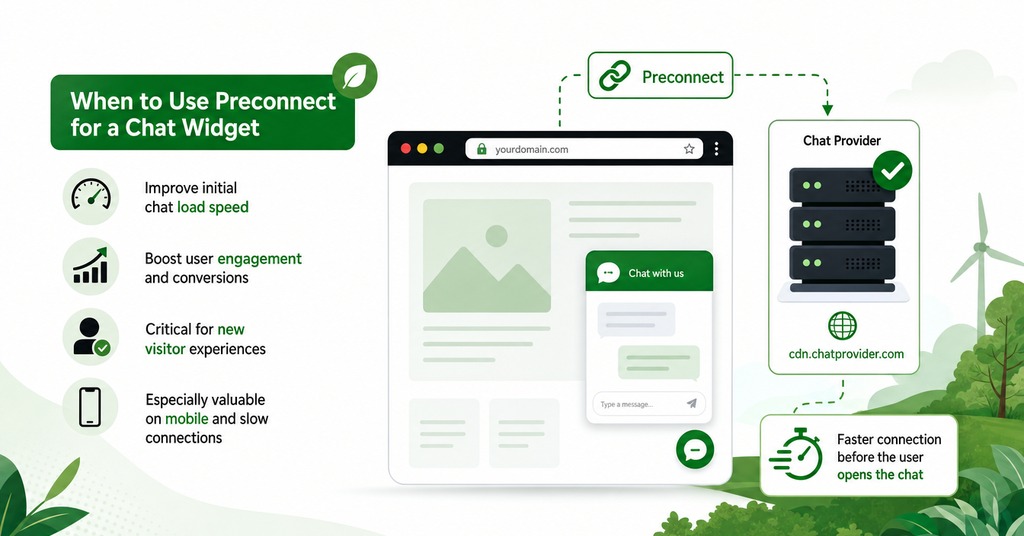
Preconnect does the DNS lookup, the TCP handshake and the TLS negotiation before the browser needs them. Measured cold from a fast wired connection, that handshake costs 55 milliseconds for one widget origin and 162 milliseconds for another, with most falling between 60 and 100. That band is the realistic saving from preconnect, roughly a tenth of what lazy mounting recovers. Because TCP and TLS each cost round trips, those numbers multiply on a mobile network with 100 milliseconds of round-trip time.
Whether preconnect is worth anything at all depends on when it fires. The facade pattern fires it on mouseover, once the visitor has signaled intent, while preconnecting on load to an origin most visitors never touch spends a browser connection slot and competes with the resources building the page. Lighthouse removed its old preload audits in the same release, citing the risk of over-recommending them.
Partytown and Self-Hosted Widget Scripts
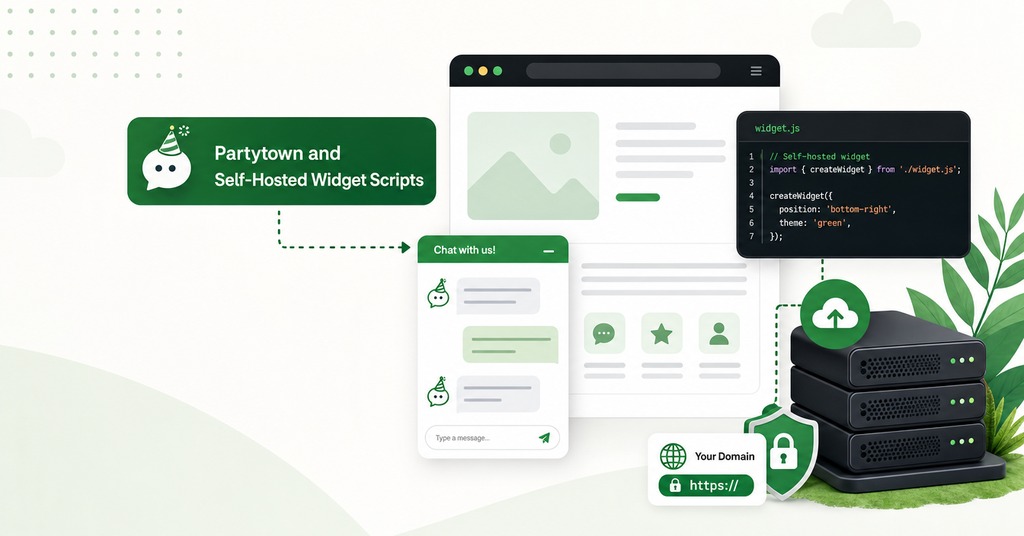
Partytown and self-hosting both look like answers to this problem. Partytown’s own documentation and the integrity constraints on self-hosting rule both of them out, for reasons that differ.
What Partytown Is Built For
Partytown moves third-party scripts to a web worker, and it suits scripts that handle user events and post data in the background, the work tag managers and tracking pixels do. It is a poor fit for any script that builds a small application inside the page and opens a dialog with a form in it. A chat widget is exactly that.
DOM operations inside the worker are deliberately throttled and slower than on the main thread. A preventDefault call from a worker-side handler has no effect, and cross-origin iframes created from a Partytown script cannot read or write cookies.
What Breaks When You Self-Host the Bundle
Self-hosting removes the DNS, TCP and TLS handshake and lets a site set its own cache lifetime, which fixes the no-cache and max-age=0 headers some vendors send, and subresource integrity is what stops it from being an option. Intercom pins the stage-two bundles noted earlier with SHA-384 integrity hashes and content-hashed filenames, so a self-hosted copy either fails the integrity check outright or silently goes stale the moment the vendor ships a fix.
What Makes an AI Chatbot Slow to Reply
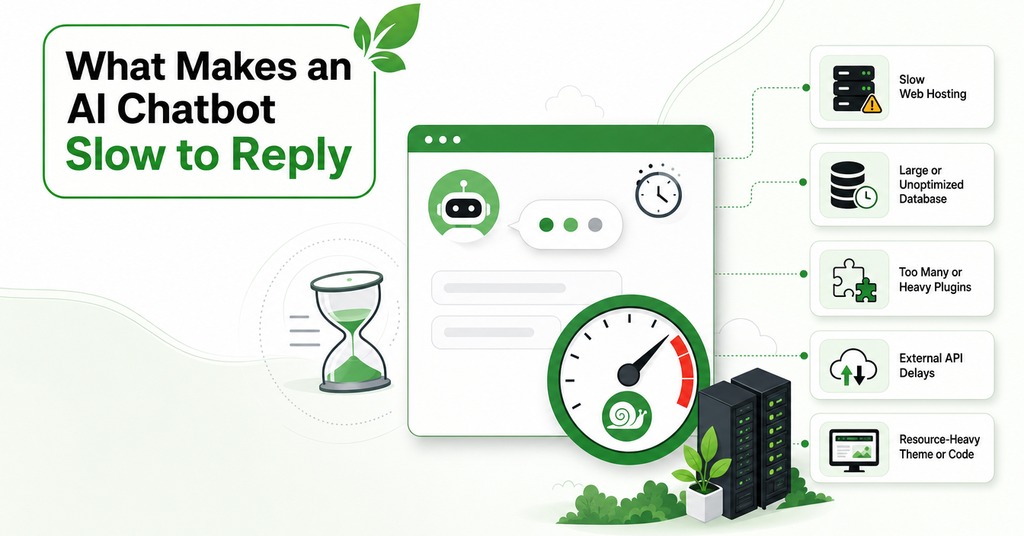
Model latency affects no Core Web Vital. A model reply arriving four seconds after the visitor pressed send involves no input event and no paint attributable to one, so nothing about the wait enters INP. Scrolling, hovering and reading are excluded by the same rule. Lighthouse and PageSpeed lab runs do not interact with the page at all, so they never observe the exchange either, and field data only records what a real visitor’s clicks produced. A chatbot can take eight seconds to answer every question on a site with a perfect INP score.
Because script weight shows up in a PageSpeed report and in the DevTools Performance panel while model latency surfaces only when somebody uses the bot, the two problems need different instruments. The first report of a slow model usually comes from a customer.
The fastest models benchmarked in July 2026 reach first token in 0.32 to 0.40 seconds. A support chatbot is a low-complexity, high-frequency task, so vendors route it to small non-reasoning models in that band. A bot pointed at a reasoning model behaves differently, because time to first answer token then includes the model’s thinking time.
Without streaming the visitor waits for the whole answer, while with streaming on, about 0.4 seconds pass before the first token appears and the rest arrives while they read, which changes what the visitor waits for without shortening the total.
A bot built on a serverless function adds that function’s cold start in front of the model’s own latency, so the cold start has to be timed separately before the model is blamed for the wait.
How to Tell Which Part of the Chatbot Is Slow
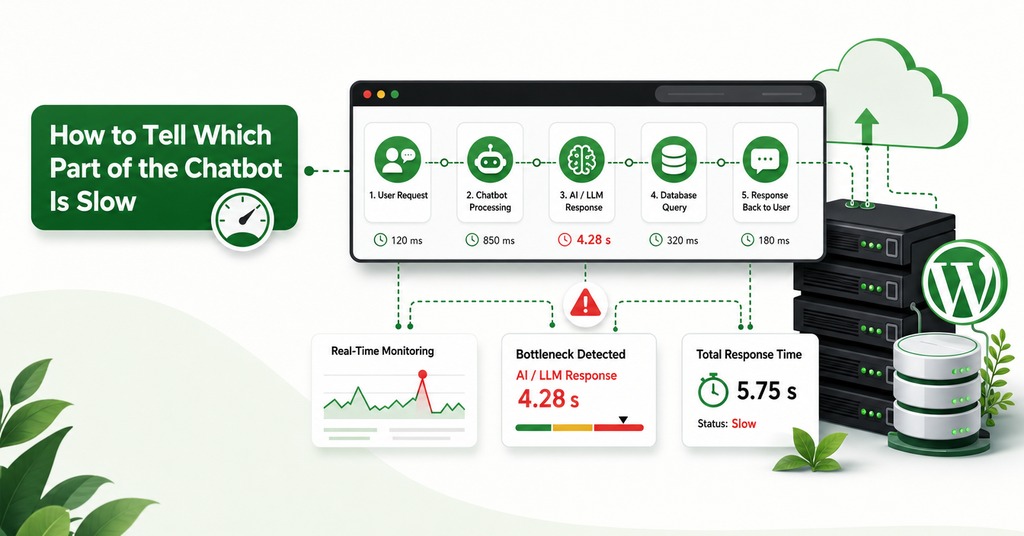
Two runs of the same test isolate the widget’s cost. Block the widget’s origin in the DevTools Network panel, or comment the snippet out, then re-run the same page test and read the difference between the two runs, with Chrome’s third-parties insight showing where the main-thread time went. If the score moves, the problem is script weight and lazy mounting will recover most of it, and if the score does not move while visitors still complain, the wait happens after the panel opens and the model configuration explains it.
Choosing a lighter vendor at install time avoids most of that work, since a widget averaging 33 milliseconds of main-thread time does not need lazy mounting, preconnect or any diagnosis afterwards, and the main-thread figure that would identify it is absent from every chat vendor’s pricing page.
Frequently Asked Questions
What is the difference between async and defer?
Both let the download happen in parallel with HTML parsing, which a plain script does not. Async runs the file the instant it arrives, at an unpredictable point and in no guaranteed order. Defer waits for the document to finish parsing and then runs deferred files in the order they appeared.
What is a facade in web performance?
A static stand-in for an embedded third party, with no working code behind it, so it costs almost nothing at page load. Google’s illustration is a 3 KB facade in place of a 540 KB video player.
How much faster is lazy loading a chat widget?
One published test on a production marketing site recovered a Lighthouse Performance Score from 77 to above 90, and Time to Interactive from 7 seconds to under 5.
Why does PageSpeed Insights no longer tell me to lazy load my chat widget?
Lighthouse 13, published in October 2025, removed the third-party-facades audit entirely, saying it covered limited facades and that third parties should improve their own offerings. Only the audit was retired.
Does INP replace First Input Delay?
Yes. Interaction to Next Paint is a stable Core Web Vital and replaces a measurement of one interaction with a measurement of every interaction.
What is a good INP score?
At the 75th percentile of field page loads, 200 milliseconds or less is good and anything above 500 is poor. The band between them is marked as needing improvement.
Does a chat widget in an iframe still count against Core Web Vitals?
Yes. Frame boundaries do not shield a widget from either metric. A visitor cannot tell which parts of a page are framed, so both INP and CrUX attribute what happens inside a frame to the page around it.
Does a chat bubble affect CLS?
A bubble positioned outside the document flow should not. Injected in-flow elements, proactive-message cards, consent banners and panels that expand without warning are what produce the score.
Why is my PageSpeed score different from my real user data?
They measure different things. The lower part of the report is one synthetic run on a simulated device, and the upper part aggregates real Chrome users at the 75th percentile over a trailing window, so fixes appear in one immediately and in the other much later.
Can I self-host a chat widget script?
Sometimes, and it removes a handshake worth 55 to 162 milliseconds per origin. Intercom pins its bundles with SHA-384 integrity hashes, so a self-hosted copy fails the check or falls behind the vendor’s fixes without warning.
Does streaming make an AI chatbot faster?
It does not reduce total time. The visitor’s wait before anything appears drops to about 0.4 seconds on a fast model.
What makes my chat widget script download on every page view?
The cache-control header explains it. Drift sends no-cache, Chatbase sends max-age=0 with must-revalidate and Chatling sends no-store, while content-hashed bundles cache for a year.

